
Cloud breaches cost organizations an average of $4.45 million per incident, according to IBM’s 2024 Data Breach Report. Network security in cloud computing isn’t optional-it’s the foundation that keeps your infrastructure safe from attackers who are constantly evolving their tactics.
At Clouddle, we’ve seen firsthand how a single misconfiguration can expose sensitive data. This guide walks you through the security measures that actually work, the mistakes to avoid, and how to build a defense strategy that holds up against real threats.
Why Network Security Matters in Cloud Computing
Cybercriminals aren’t waiting for you to get your defenses right. The FBI reported cybercrime increases, with phishing, spoofing, extortion, and personal data breaches among the top threats. Attackers actively exploit cloud environments because many organizations treat cloud security as an afterthought. Your network now serves as the perimeter between your business and attackers who’ve shifted their entire playbook to target cloud infrastructure. When a single misconfiguration exposes thousands of customer records, cloud network security stops being a checkbox on a compliance form and becomes the thing that determines whether your business survives an attack.
The Real Cost of Getting It Wrong
IBM’s 2024 Data Breach Report shows that the average global breach cost has reached USD 4.88 million. The financial hit represents only part of the damage. Companies face weeks of downtime, lost customer trust, regulatory fines, and the operational chaos of incident response. If you operate in healthcare, finance, or handle EU customer data, you also face HIPAA, PCI-DSS, or GDPR penalties that can reach millions more. The compliance requirement isn’t separate from the security requirement-they’re the same thing. A misconfigured security group in AWS or Azure isn’t just a technical oversight; it’s a regulatory violation waiting to happen. Organizations that treat compliance and security as two separate problems end up solving neither one well.
Why Your Cloud Provider’s Security Isn’t Enough
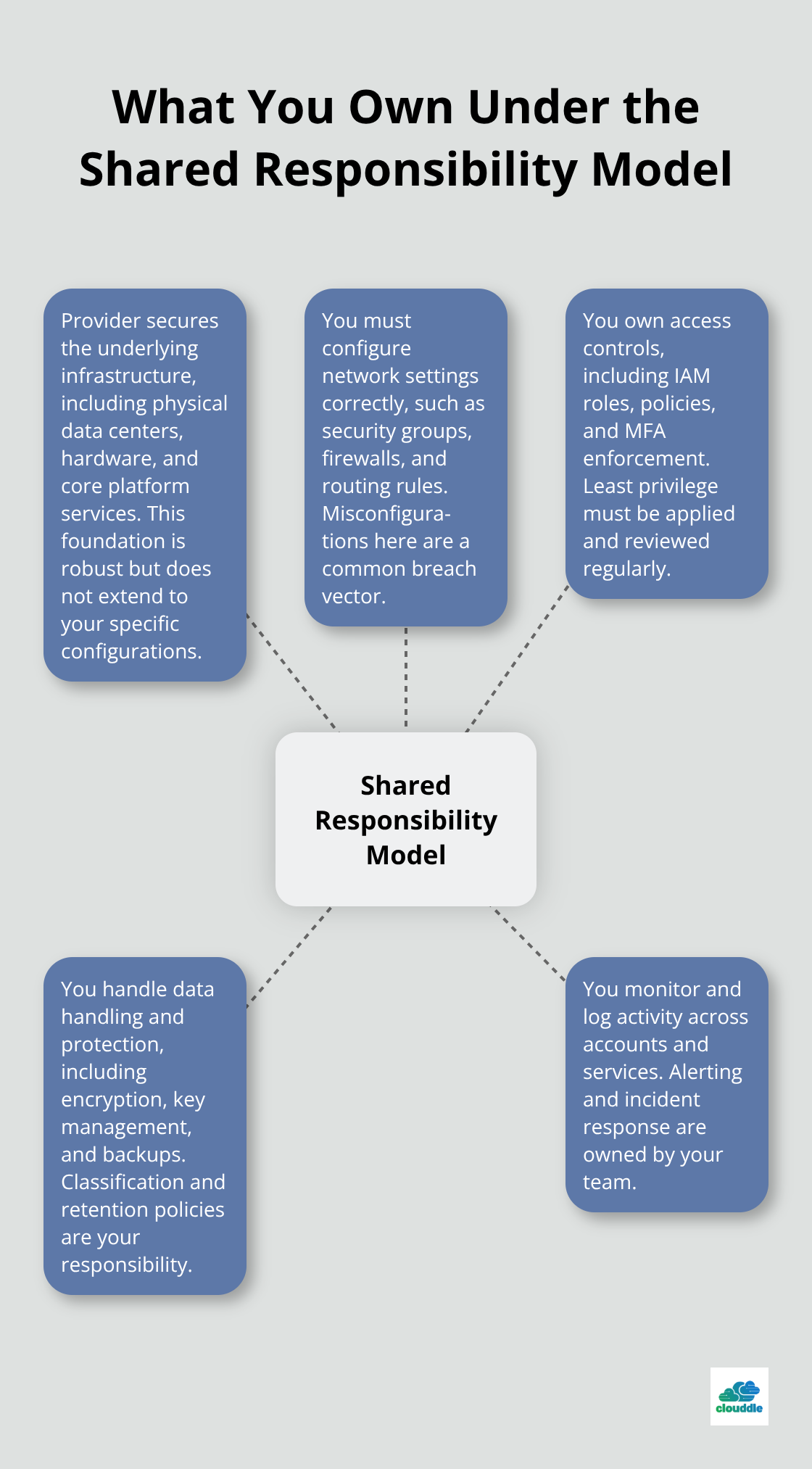
AWS, Azure, and Google Cloud all deploy encryption, firewalls, and intrusion detection systems to protect their infrastructure. That’s their job under the shared responsibility model. You own your configurations, your access controls, your data handling, and your monitoring. A reputable cloud provider secures the infrastructure, but they cannot secure what you build on top of it. This is where most breaches happen-not in the provider’s data center, but in your misconfigured network settings, your overpermissive IAM policies, or your lack of visibility into who accesses what. The security posture of your cloud environment depends almost entirely on decisions you make, not decisions your provider makes.
Where Attackers Actually Strike
Attackers target the gaps between what your provider protects and what you protect. They exploit overpermissive access controls that grant users more privileges than they need. They find unmonitored API endpoints that leak credentials or expose data. They abuse network segmentation failures that allow lateral movement once they breach a single system. They leverage the speed of cloud deployments-new assets spin up constantly, and security teams often miss them entirely. The shared responsibility model creates a natural blind spot: you assume the provider handles security, the provider assumes you handle configuration, and attackers slip through the middle. Understanding this gap is the first step toward building a defense that actually works.
Building a Security Foundation That Actually Stops Attackers
Master Authentication and Access Controls First
Strong authentication and access controls form the first line of defense in cloud networks, yet most organizations grant users far more permissions than their job requires. Implement role-based access control immediately-define what each team member needs to do their job, then restrict permissions to exactly that. Multi-factor authentication must apply to every account with cloud access, not optional for a select few. Multi-factor authentication blocks 99.9% of account compromise attacks, yet adoption remains surprisingly low across many organizations. Enforce this at the identity provider level so users cannot bypass it. Rotate API keys every 90 days minimum to limit exposure windows.
Service accounts that connect applications to cloud resources pose hidden risks. Too many teams create one service account and share credentials across multiple applications instead of isolating access. Create individual service accounts for each application with minimal permissions needed for that specific function. Review access permissions quarterly because people change roles, teams shift priorities, and yesterday’s junior engineer is today’s senior architect who no longer needs their old permissions. Least-privilege access isn’t a one-time configuration-it requires quarterly audits and active permission removal.
Encrypt Data at Rest and in Transit
Encryption protects data whether attackers breach your network or intercept traffic between systems, but encryption without proper key management becomes security theater. Deploy AES-256 encryption for data at rest across all storage systems (databases, backups, object storage). For data in transit, enforce TLS 1.2 minimum across all APIs and data transfers-TLS 1.0 and 1.1 have known vulnerabilities that attackers actively exploit. Manage encryption keys through your cloud provider’s key management service rather than storing keys in code or configuration files. AWS KMS, Azure Key Vault, and Google Cloud KMS all provide automated key rotation and access auditing that removes manual key management from your team’s workload.
Monitor Network Activity Continuously
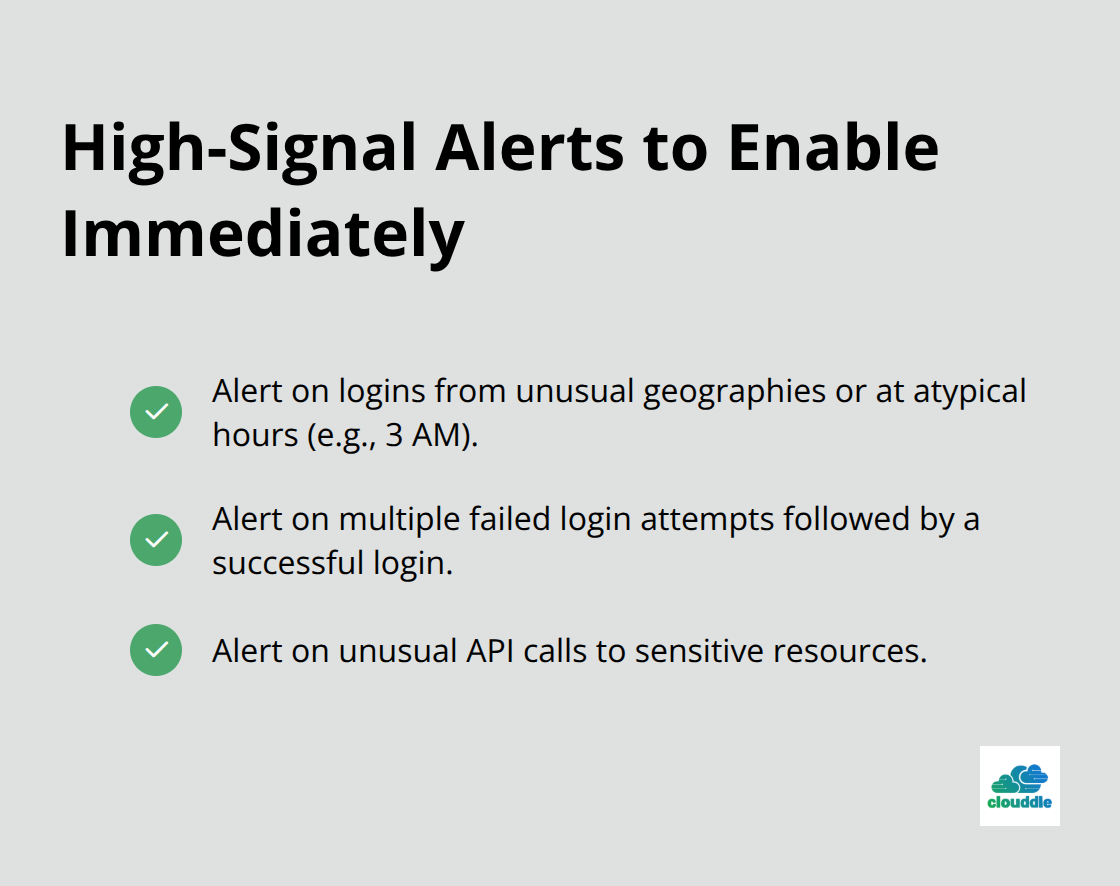
Continuous monitoring reveals what attackers actually do inside your network, not just whether they got in. Aggregate logs from firewalls, security groups, load balancers, and applications into a centralized system so you correlate events across your entire environment. Most organizations collect logs but never review them; implement alerts that trigger when specific suspicious patterns occur rather than waiting for a human to notice something wrong. A user accessing data at 3 AM from an unusual geographic location, multiple failed login attempts followed by success, or unusual API calls to sensitive resources should all generate immediate alerts. Test your incident response plan at least twice yearly so your team knows exactly what to do when an alert fires, not when attackers actively steal data.
With these foundational controls in place, your network gains real protection against common attack vectors. The next section exposes the mistakes that undermine even the strongest security foundations-and how to avoid them entirely.
Common Cloud Security Mistakes to Avoid
Misconfigured Security Groups Create Open Doors
Security groups and firewall rules sit at the edge of your cloud infrastructure, yet most organizations configure them once and never revisit them. This creates a dangerous accumulation problem: rules get added to solve immediate problems, exceptions pile up, and within months your firewall resembles a tangled mess that nobody fully understands. AWS Security Hub regularly identifies overpermissive security groups as one of the top misconfigurations across customer accounts. The mistake isn’t complexity-it’s treating these rules as static infrastructure when they require active management. Audit your security groups monthly and remove any rule that lacks an active business purpose. If a rule exists to support a project that ended six months ago, delete it. If someone added an exception to allow traffic from 0.0.0.0/0 (the entire internet) to a database port, that rule should never exist in production. Document who requested each rule and when, then set a quarterly review date to confirm the rule still serves a purpose. This single practice eliminates the majority of security group misconfigurations that attackers exploit.
Network Segmentation Failures Enable Lateral Movement
Network segmentation failures allow attackers who breach one system to move freely across your entire infrastructure. Most organizations segment by environment (production versus development) but fail to segment within production itself. This means if attackers compromise a web server, they can reach your database server, your backup systems, and your administrative tools without crossing any additional security boundaries. Implement microsegmentation so each application or service can only communicate with the specific systems it needs. A web server should not need direct access to your authentication database or your backup storage. Database servers should not initiate outbound connections to the internet. Create network policies that explicitly allow only necessary traffic and deny everything else by default. This sounds restrictive but actually simplifies operations because teams document required connections instead of assuming all systems should talk to each other. Test these policies in a staging environment before deploying to production, and when applications break because they cannot reach systems they shouldn’t reach anyway, that’s a sign your network segmentation is working correctly.
Delayed Security Updates Leave Known Vulnerabilities Exposed
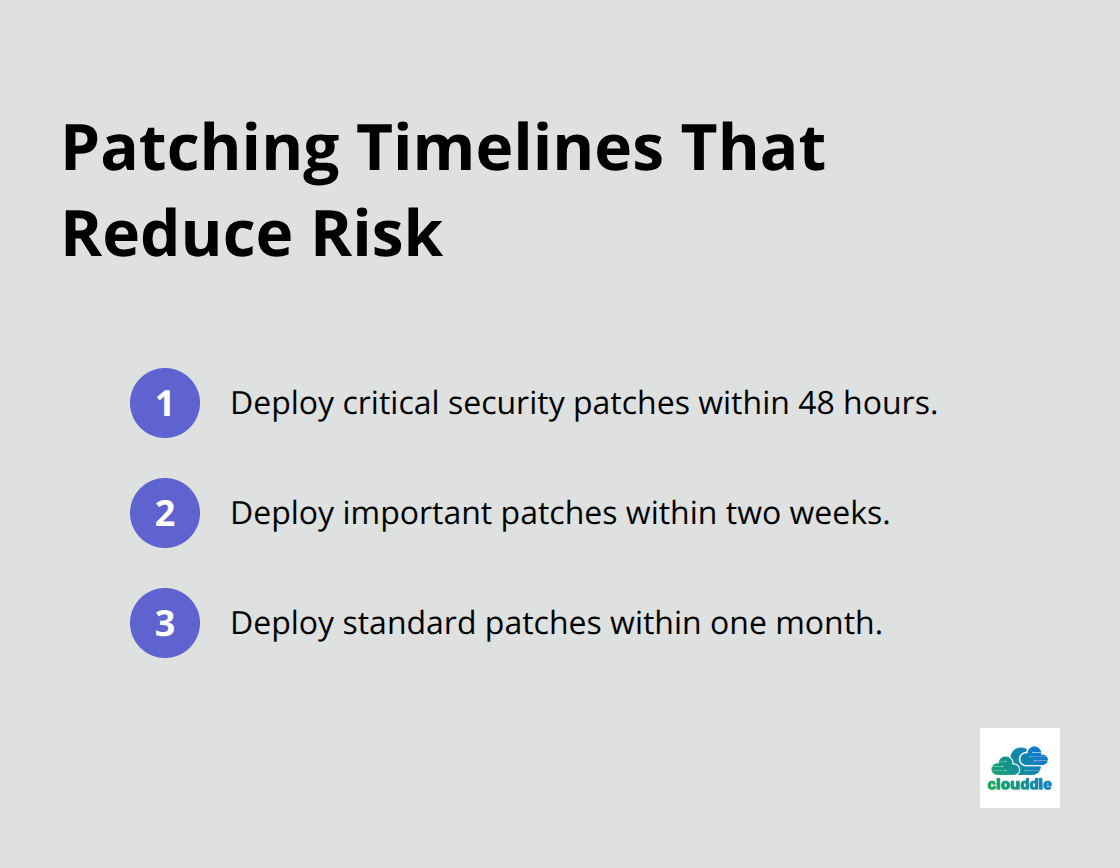
Security updates and patches represent the easiest wins in cloud security, yet organizations postpone them constantly. Attackers actively exploit known vulnerabilities in operating systems, databases, and application frameworks because they know many teams delay patching for weeks or months. AWS regularly releases patches for their infrastructure, and your cloud provider handles those patches automatically. Your responsibility covers patches for the operating systems running on your instances, databases you manage, and third-party software in your applications. Establish a patching schedule where critical security patches deploy within 48 hours of release, important patches within two weeks, and standard patches within one month. Automate this process so patches deploy without manual intervention whenever possible. Test patches in a staging environment first, but do not use testing as an excuse to delay production deployments indefinitely.
Most vulnerabilities exploited in real attacks have patches available for weeks or months before organizations apply them. The speed difference between when a patch becomes available and when attackers actively exploit it continues to shrink, making rapid patching non-negotiable.
Final Thoughts
Network security in cloud computing requires three elements working together: strong foundational controls, active management of configurations, and a commitment to continuous improvement. Organizations that survive attacks implement authentication controls, encrypt data properly, and monitor activity continuously-then maintain these defenses over time. A security group configured correctly today becomes a liability tomorrow if nobody reviews it, and an encryption key rotated manually becomes a forgotten task that eventually gets skipped.
Your cloud provider handles infrastructure security, but you own the security of everything you build on top of it. This shared responsibility model means your decisions about access controls, network segmentation, and patch management determine whether your business stays protected or becomes the next breach statistic. Start by auditing your current state: review your security groups for overpermissive rules, check your access controls for least-privilege compliance, and verify that patches deploy within your defined timelines.
We at Clouddle understand that managing network security alongside your core business operations creates real challenges. Clouddle’s managed security services handle the ongoing monitoring, patching, and configuration management that keeps your cloud infrastructure protected without consuming your internal team’s bandwidth.




0 Comments