
Most organizations assume they need expensive software to manage IT assets effectively. That’s simply not true-quality free IT asset management software exists and can handle real tracking, integration, and scaling demands.
At Clouddle, we’ve seen teams cut costs without sacrificing visibility or control. This guide walks you through what matters in free solutions, which tools actually deliver, and how to implement them properly.
What to Look for in Free IT Asset Management Software
Core Capabilities That Matter
Free IT asset management software must handle three core demands: accurate asset tracking and system integration, and growing with your organization. Don’t settle for bare-bones solutions that require manual data entry or lack integration options. The best free tools automate discovery, sync with your existing systems, and scale from 50 assets to 5,000 without performance degradation.
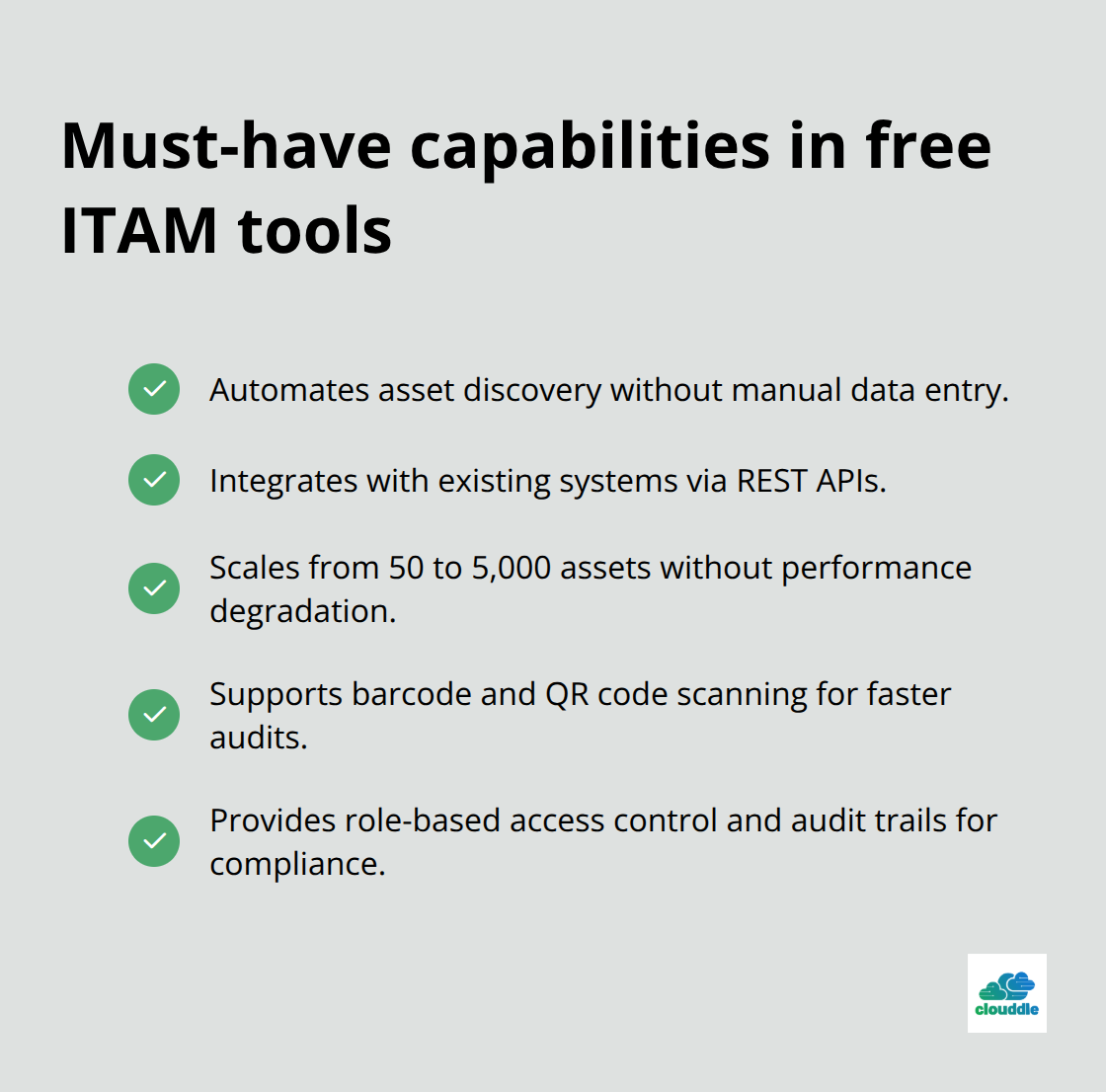
Open-source solutions like Snipe-IT and GLPI excel because they offer full REST API access, meaning you can build custom integrations without middleware. Snipe-IT maintains a 4.6 rating on G2 and 4.4 on Capterra specifically because teams appreciate the barcode and QR code support, which cuts audit time from hours to minutes. GLPI ranks 4.5 on both platforms and combines asset tracking with an integrated service desk, so you handle hardware inventory and support tickets in one system.
Community Support and Data Migration
When evaluating tools, prioritize those with active communities-GLPI and Snipe-IT both have well-documented forums and regular updates. Test CSV import capabilities to migrate existing spreadsheet data quickly; neither tool should force you to re-enter assets manually. Active community support reduces setup risk and ensures you find answers when problems arise.
Performance and Access Control
Performance matters more than most teams realize. Free solutions running on shared hosting or underpowered servers will slow down as your asset count climbs past 1,000 items. Self-hosted open-source tools give you control: deploy on a basic VPS (starting around $5–10 monthly) and you’ll handle thousands of assets without lag.
Cloud-based free tiers like BlueTally and AssetTiger cap free use at 50–250 assets, which works for small teams but creates a hard ceiling if you grow. The real advantage of paid cloud hosting is the 99.99% SLA uptime guarantee and global data centers, but if your infrastructure team can manage servers, self-hosted options eliminate those costs entirely.
Ensure your chosen tool supports role-based access control so staff can view only assigned assets, not your entire inventory. Look for audit trails and encryption to meet compliance requirements-data protection can’t be an afterthought, especially in healthcare or finance sectors.
Testing Before Full Deployment
Start with a two-week trial on your actual hardware before committing; this catches performance issues and workflow mismatches early. Once you’ve selected a tool that meets these criteria, the next step involves planning how you’ll move your data and get your team up to speed.
The Tools That Actually Work
Self-Hosted Open-Source Solutions
Snipe-IT and GLPI dominate the free ITAM space for good reason-both handle thousands of assets without stumbling, offer REST APIs for custom integrations, and won’t lock you into vendor dependency. Snipe-IT excels at lifecycle tracking with barcode and QR code support built in; teams report cutting physical audits because scanning replaces manual spreadsheet checking. GLPI pairs asset management with an integrated service desk, so your team manages hardware inventory and IT support tickets in one interface rather than juggling separate tools. Both run completely free when self-hosted on a basic VPS costing $5–10 monthly, and both maintain active communities with regular updates-abandoned software becomes a security liability fast.
The Hidden Cost of Self-Hosting
The catch with self-hosted solutions is operational overhead. Your team handles server setup, backups, security patches, and monitoring yourself. For organizations without dedicated infrastructure staff, this hidden cost often exceeds the licensing savings within six months. OCS Inventory NG provides another self-hosted option with network scanning capabilities, automatically discovering hardware across your infrastructure and reducing ghost assets that plague manual inventory processes. Ralph 3 targets data centers specifically with DCIM features, useful if you manage on-premises server rooms alongside user devices.
Cloud-Based Free Tiers and Their Limits
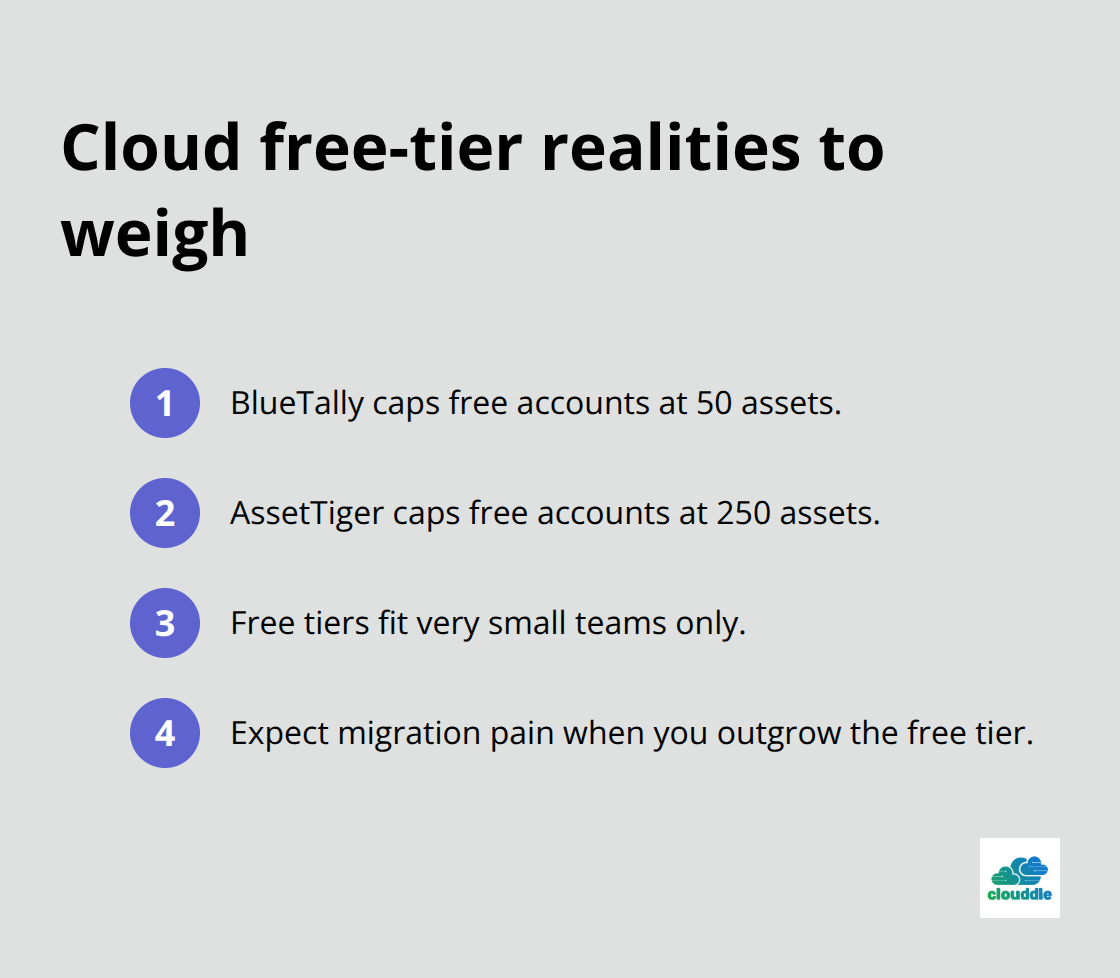
Cloud-based free tiers like BlueTally and AssetTiger sidestep server management but impose hard limits: BlueTally caps free accounts at 50 assets, AssetTiger at 250. These ceilings work if you genuinely stay small, but they create painful migration moments when you outgrow the free tier and must rebuild workflows in a paid plan. AssetTiger does integrate with mobile device management platforms like Intune and Jamf, which matters if your organization already manages endpoints through those systems.
Making Your Choice
The reality is straightforward-select self-hosted open-source if your team has infrastructure skills and accepts ongoing maintenance responsibility, or select cloud-based free tiers if you want zero server management but accept you’ll outgrow the tool within 12–18 months. For organizations unwilling to commit to either path, Lansweeper functions as a practical reference point-while not free, it’s widely used as an industry benchmark and reveals what enterprise-grade asset management actually costs when you factor in automation, integrations, and support. The free tools listed here either match Lansweeper’s core features or deliberately sacrifice automation and integrations to keep costs at zero, so comparing against it clarifies what you gain or lose with free solutions. Once you’ve narrowed your choice between self-hosted and cloud-based options, the next step involves planning your data migration strategy and preparing your team for the transition.
Implementation Best Practices for Free Solutions
Data Migration Requires Careful Planning
Your data determines success or failure in a free ITAM tool. Start by exporting your current inventory into a CSV file, whether it lives in spreadsheets, a legacy system, or scattered across emails and documents. Most free tools including Snipe-IT and GLPI accept CSV imports, but the format matters-test import with 50 assets first to catch mapping errors before you attempt moving thousands of records. Snipe-IT’s documentation provides clear CSV templates showing required fields like asset tag, serial number, and assigned user; following these templates prevents failed imports that waste days troubleshooting.
Schedule your migration during low-activity periods, because asset data changes during the import process and staff will experience temporary access issues. Plan for parallel running where both your old and new systems operate simultaneously; this overlap catches discrepancies and builds confidence before you shut down the legacy system. Assign one person as the data owner responsible for reconciling records and handling edge cases-orphaned assets, duplicate entries, or corrupted serial numbers-rather than distributing this work across your team.
Training Focuses on Real Workflows
Your team doesn’t care about ITAM philosophy; they care about doing their jobs faster. Create a one-page quick reference showing how to check out an asset, upload a photo, and generate a basic report-that covers 80 percent of daily workflows. Schedule 30-minute hands-on sessions with small groups (4–6 people) rather than large classroom training, allowing people to ask questions specific to their role without holding up colleagues.
For technical staff managing integrations or API calls, dedicate separate sessions focused on REST API documentation and custom workflows. Track adoption metrics: monitor login frequency, asset updates per week, and audit completion rates for the first 60 days. If adoption stalls below 50 percent, you likely have a training gap or a workflow mismatch with the tool-investigate this signal immediately. After three months, collect feedback from power users and occasional users separately; their needs differ dramatically and conflating them leads to poor decisions. Deploy the tool gradually across departments rather than organization-wide at once; pilot with IT operations first, then expand to facilities or procurement once workflows stabilize.
Monitoring Drives Continuous Improvement
Most teams set up a free ITAM tool and never touch it again, missing opportunities to improve data quality and efficiency. Within the first month, generate reports showing assets with missing data like serial numbers, photos, or location assignments; missing fields create blind spots during audits and slow down troubleshooting. Set automated alerts for assets approaching warranty expiration, depreciation milestones, or maintenance due dates-these notifications prevent costly surprises and reduce emergency procurement requests.
If your tool supports custom fields, resist the temptation to add every possible field; extra fields increase data entry burden and create maintenance headaches. Stick to fields directly tied to your workflows: for hardware procurement teams, track purchase date and vendor; for facilities, track location and condition status. Review asset lifecycle data quarterly to spot patterns like equipment failing before warranty expiration or software licenses sitting unused; this intelligence informs future purchasing decisions and negotiation leverage with vendors. If self-hosted performance degrades as asset counts climb past 2,000 items, investigate your server resources-adding RAM or upgrading to a larger VPS costs $10–30 monthly but eliminates slowdowns that erode team adoption.
Final Thoughts
Free IT asset management software works well for small teams moving away from spreadsheets, but you need to understand the tradeoffs before committing. Self-hosted open-source tools like Snipe-IT and GLPI eliminate licensing costs entirely, yet your team must manage servers, security patches, and backups yourself. Cloud-based free tiers remove operational overhead but impose hard asset limits that force migration within months as you grow, while paid solutions offer 99.99% SLA uptime and dedicated support at a cost.
Your decision depends on three factors: your team’s infrastructure skills, your asset count trajectory, and your tolerance for maintenance work. If you have fewer than 250 assets and someone on staff comfortable managing a basic VPS, self-hosted open-source solutions make financial sense.
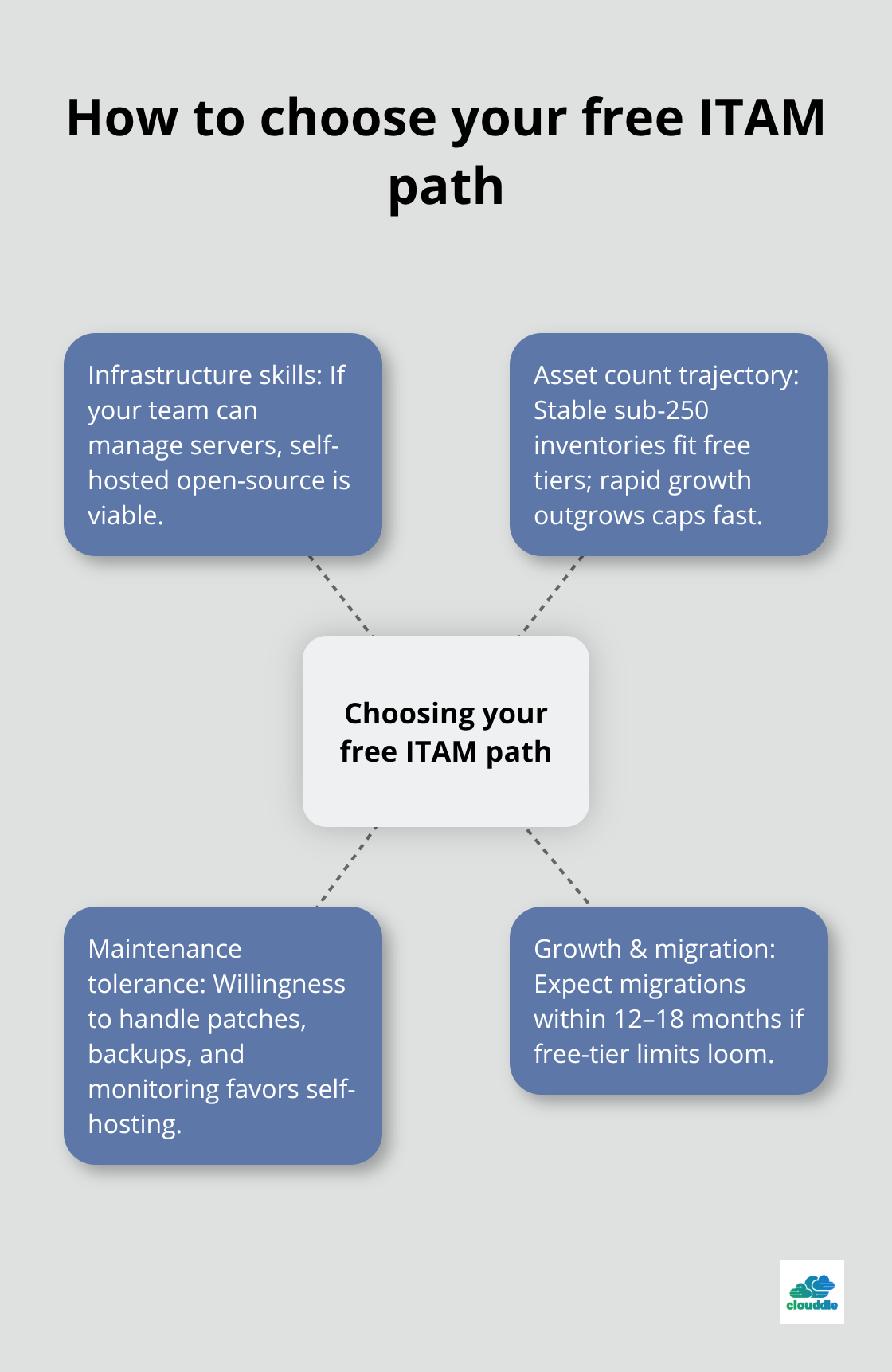
If you lack infrastructure expertise or expect rapid growth, a cloud-based paid plan eliminates hidden costs that accumulate from server management and eventual migration headaches.
Start by selecting one tool and running a two-week pilot with real hardware before full deployment. Test CSV import with 50 assets, verify barcode scanning works in your environment, and confirm your team can navigate basic workflows without frustration. At Clouddle, we provide networking, security, and managed IT solutions that work alongside your IT asset management free software to streamline operations and reduce downtime.



0 Comments