


Cloud-based network management is no longer a luxury-it’s a business necessity. Companies that move their networks to the cloud cut infrastructure costs while gaining the flexibility to scale operations on demand.
At Clouddle, we’ve seen firsthand how organizations struggle with legacy systems and outdated network setups. This guide walks you through the implementation process, from assessing your current infrastructure to managing the transition without disrupting your business.
Why Cloud-Based Networks Cost Less and Scale Better
Cloud-based network management eliminates the capital expenditure trap that plagues traditional infrastructure. Instead of buying expensive routers, switches, and access points upfront, you shift to a subscription model where costs spread across months or years. Industry professionals worldwide share their experiences with hybrid cloud adoption, challenges and solutions in Cisco’s 2022 report. The financial impact is immediate: organizations avoid the $50,000 to $500,000 hardware investments required for on-premises setups, depending on network size. With subscription pricing, IT budgets become predictable.
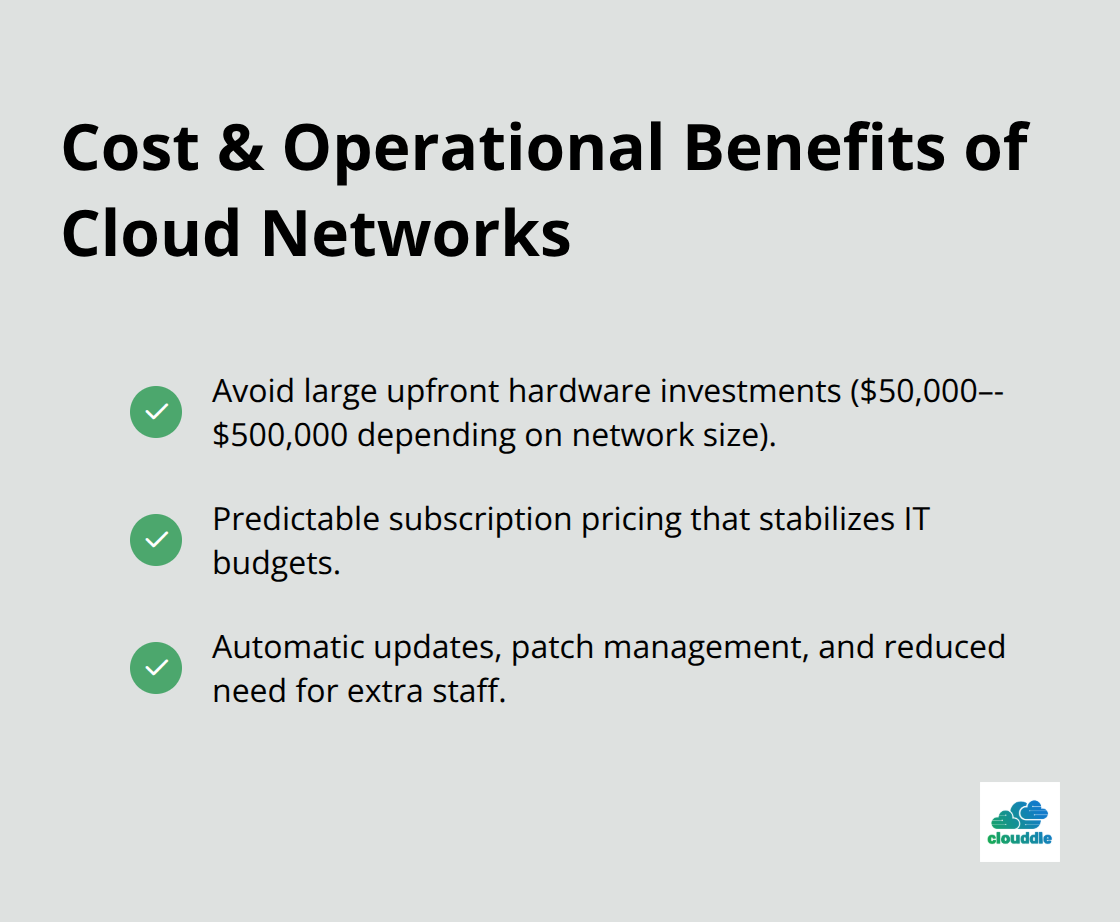
You know exactly what you’ll spend each month, eliminating surprise capital expenditures that derail financial planning. Automatic updates and patch management come built-in, so you don’t hire additional staff to maintain aging hardware or negotiate expensive support contracts.
Scaling Without Buying More Hardware
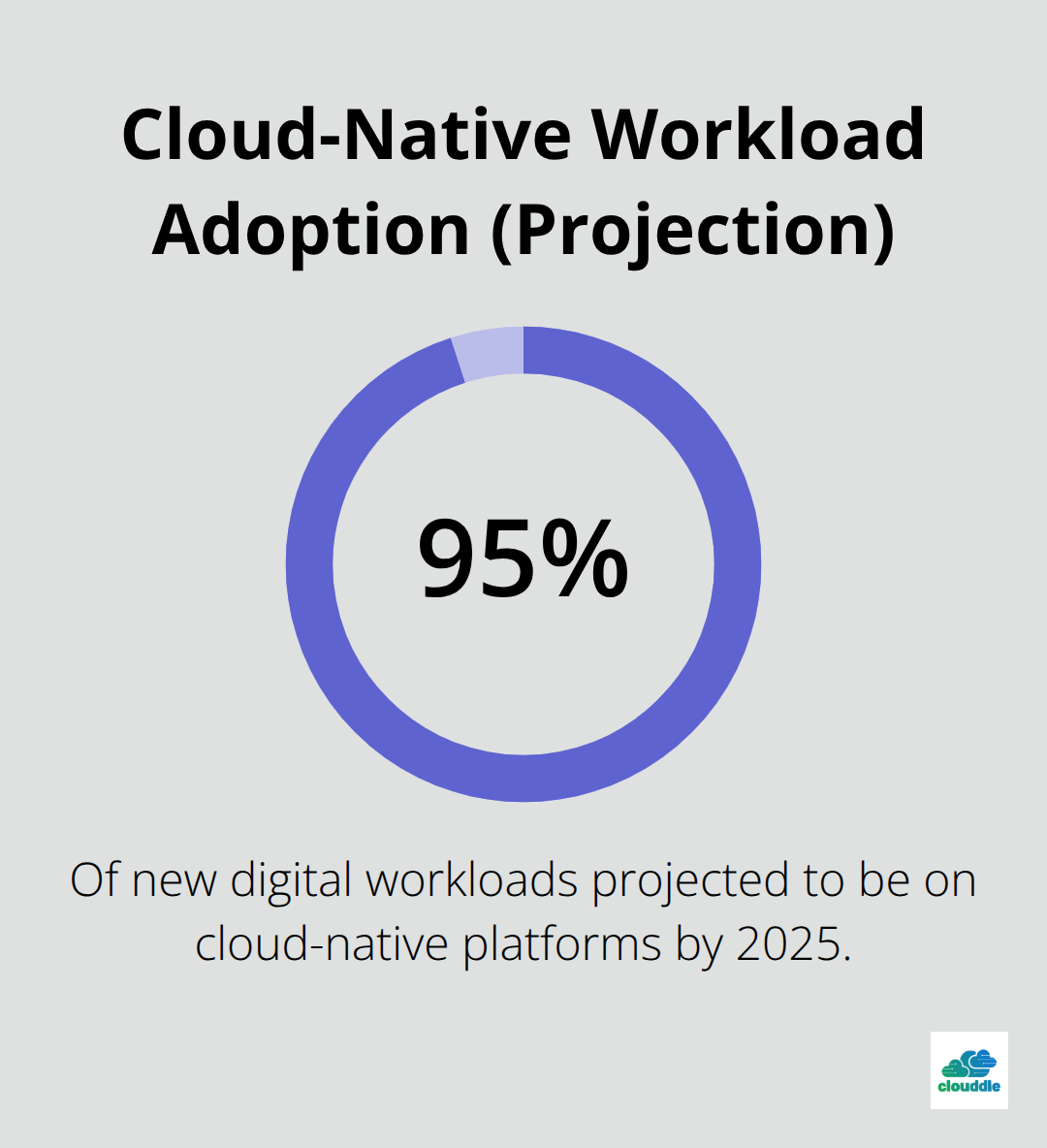
The real advantage emerges when your network needs change. Traditional networks require physical expansion: adding new locations means purchasing equipment, scheduling installation crews, and waiting weeks for deployment. Cloud-based networks scale instantly. By 2025, over 95% of new digital workloads will be deployed on cloud-native platforms, and network infrastructure follows the same trajectory.
You adjust bandwidth, add new users, or connect remote sites through a dashboard without touching hardware. This flexibility matters most for organizations experiencing growth. A hospitality group opening five new properties can provision network access for each location in hours, not months.
Centralizing Security and Compliance Across Locations
Security and compliance management consolidate across all locations from a single interface. Zero Trust security policies, multi-factor authentication, and data encryption apply uniformly without manual configuration at each site. Compliance with HIPAA, PCI-DSS, or GDPR becomes centralized and auditable, reducing the risk of policy gaps that create vulnerabilities. Real-time monitoring across distributed networks identifies threats before they spread, and automated backups with disaster recovery features minimize downtime when incidents occur.
Moving From Cost Center to Competitive Advantage
Organizations stop treating network management as a cost center and start viewing it as a competitive advantage. The shift from capital-heavy infrastructure to cloud-based operations frees up IT resources and budget for strategic initiatives. Your team focuses on business growth rather than maintaining aging equipment. This transformation positions your organization to respond faster to market changes and customer demands. The next section covers how to assess your current network infrastructure and determine whether your organization is ready for this transition.
Moving From Assessment to Action
Start with a network audit that captures what you actually run today, not what you think you run. Most organizations manage three to five times more devices than expected once they document everything. Walk through each location and list every router, switch, access point, firewall, and security appliance. Note the age, manufacturer, and current management method for each device. This inventory becomes your baseline for calculating migration effort and identifying compatibility issues before you commit to a provider. Organizations that skip this step waste months troubleshooting integration problems that a proper audit would have flagged immediately.
Document Your Current Network State
Pull traffic reports from your existing network monitoring tools to understand peak usage times, average throughput, and growth trends. Document your current bandwidth usage patterns for at least 30 days. This data prevents you from oversizing your cloud network and paying for capacity you don’t need, or undersizing it and creating bottlenecks during busy periods. Organizations that migrated without this information often found themselves adjusting subscriptions within weeks, incurring unexpected costs and operational disruption.
Evaluate Providers Against Real Requirements
Vendor selection determines your success more than any other decision in this process. Create a spreadsheet comparing three to five providers on specific criteria that matter to your operations, not generic marketing claims. Test drive their dashboards with sample data before committing. Verify they support the specific hardware you currently own and plan to deploy. Check their mean time to resolution for support tickets, not just their response time. Many organizations manage networks through cloud platforms, but support quality varies dramatically between providers.
Request references from organizations similar to yours in size and industry, then call them directly and ask about actual downtime incidents and how support handled them. Confirm pricing transparency by requesting a detailed quote showing per-device costs, bandwidth charges, security add-ons, and any hidden setup or integration fees. Providers that bundle services like Wi-Fi management, security, and entertainment into a single monthly rate often cost less than assembling point solutions. Apply IT vendor management best practices to evaluate contracts and performance metrics systematically.
Structure Your Migration for Minimal Disruption
Phase your migration by location or business function rather than attempting a full cutover on a single date. Pilot the cloud network at your smallest or least critical location first. Run it in parallel with your existing infrastructure for two to four weeks to validate performance, identify integration gaps, and train staff before expanding. This approach costs more initially but prevents enterprise-wide outages that damage customer experience and revenue. Organizations that completed pilot migrations reported higher confidence in their full deployment timeline compared to those planning direct cutover migrations.
Once the pilot succeeds, migrate 20% of your network to the cloud each month. This cadence allows your IT team to absorb and troubleshoot issues without becoming overwhelmed, and it provides natural checkpoints to pause and reassess if unexpected problems emerge.
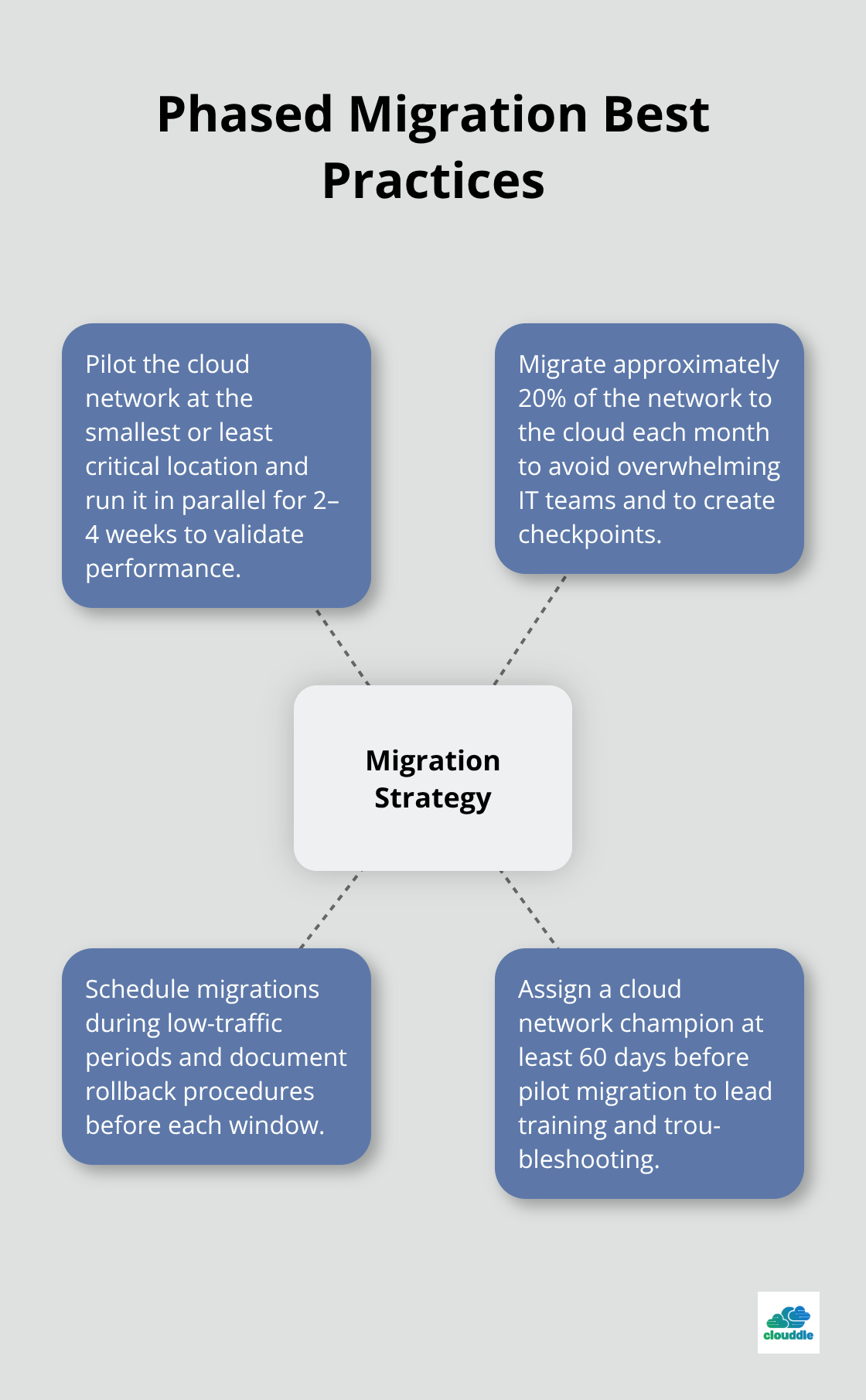
Schedule migrations during low-traffic periods and have rollback procedures documented and tested. Assign one person to monitor the new cloud network continuously during each migration window, and maintain a communication plan that notifies stakeholders immediately if issues occur. Consider network capacity planning to forecast demand and ensure your infrastructure scales appropriately. With your migration strategy locked in place, the next phase addresses the obstacles that commonly derail cloud transitions and how to navigate them successfully.
Common Obstacles During Cloud Migration
Cloud migration introduces real friction points that derail timelines and budgets when ignored. Data migration and downtime concerns top the list because moving network configurations, security policies, and traffic patterns to a new platform without losing service availability demands precision. Organizations that attempt cutover migrations on single dates experience outages. This translates directly to revenue loss for customer-facing operations. The parallel migration approach outlined in the previous section addresses this by running old and new networks simultaneously for 2–4 weeks, allowing you to validate performance before full cutover.
Monitor Both Systems During Parallel Operation
During the parallel window, monitor traffic patterns on both systems and compare throughput, latency, and error rates. If the cloud network shows degradation, you identify it while maintaining service on the legacy system. One practical step many organizations miss: test DNS failover and failback procedures before migration begins. DNS propagation delays cause connectivity problems that appear unrelated to the migration itself, frustrating users and support teams alike.
Address Legacy System Incompatibility
Legacy system integration presents the second major obstacle because older hardware often lacks cloud management capabilities. Your 10-year-old Cisco switches might not support the APIs required for cloud orchestration, forcing you to replace equipment you planned to keep. Document hardware compatibility during your initial audit, then prioritize replacement of incompatible devices before migration starts rather than discovering compatibility gaps mid-transition. This upfront work prevents costly surprises that compress your timeline and inflate project budgets.
Prepare Your IT Team for New Workflows
Staff training and change management fail because IT teams receive insufficient preparation time and leadership underestimates resistance to new workflows. Assign a cloud network champion from your IT department at least 60 days before pilot migration begins. This person completes vendor training, masters the cloud platform’s dashboard, and develops internal documentation specific to your environment. They become the internal expert who trains others and owns troubleshooting during early phases.
Execute Structured Training and Build Ownership
Schedule hands-on training sessions during low-traffic periods, not after-hours cramming sessions that exhaust teams. Involve frontline network staff in vendor selection and pilot testing so they feel ownership of the new system rather than having change imposed on them. Organizations that invested in this approach reported faster adoption and fewer support escalations during the first month post-migration compared to those skipping formal training programs. This investment in people pays dividends throughout your cloud network‘s operational life.
Final Thoughts
Cloud-based network management transforms how organizations operate, but implementation success depends on execution, not just strategy. The benefits compound over time: reduced infrastructure costs free capital for growth initiatives, scalability lets you expand without hardware constraints, and centralized security protects your operations across all locations. These advantages aren’t theoretical-they’re measurable outcomes that organizations achieve within months of migration.
Your IT team shifts from maintaining aging equipment to supporting business objectives once your cloud network stabilizes. New locations launch faster, security policies apply uniformly without manual configuration at each site, and bandwidth adjusts instantly when demand spikes. Organizations that completed cloud migrations reported faster incident response times and reduced unplanned downtime compared to their on-premises predecessors.
At Clouddle, we help organizations across hospitality, multi-family housing, and senior living implement cloud-based network solutions without the complexity. Our Network as a Service offering combines networking, entertainment, and security into a single bundled solution with no upfront investment, and we handle the technical details so your team focuses on running your business. Contact Clouddle today to discuss how cloud-based network management can accelerate your growth and simplify your operations.