
Most companies waste thousands of dollars annually on IT assets they can’t track or locate. Without proper IT inventory management software, you’re flying blind-losing visibility over hardware, software licenses, and equipment lifecycles.
At Clouddle, we’ve seen firsthand how the right inventory system transforms operations. This guide walks you through what matters most when selecting a solution that actually fits your business.
Why IT Inventory Management Matters
Untracked IT assets drain budgets faster than most businesses realize. Organizations lose an average of 10 to 15 percent of their IT spending annually to shadow IT, duplicate software licenses, and equipment nobody can locate.
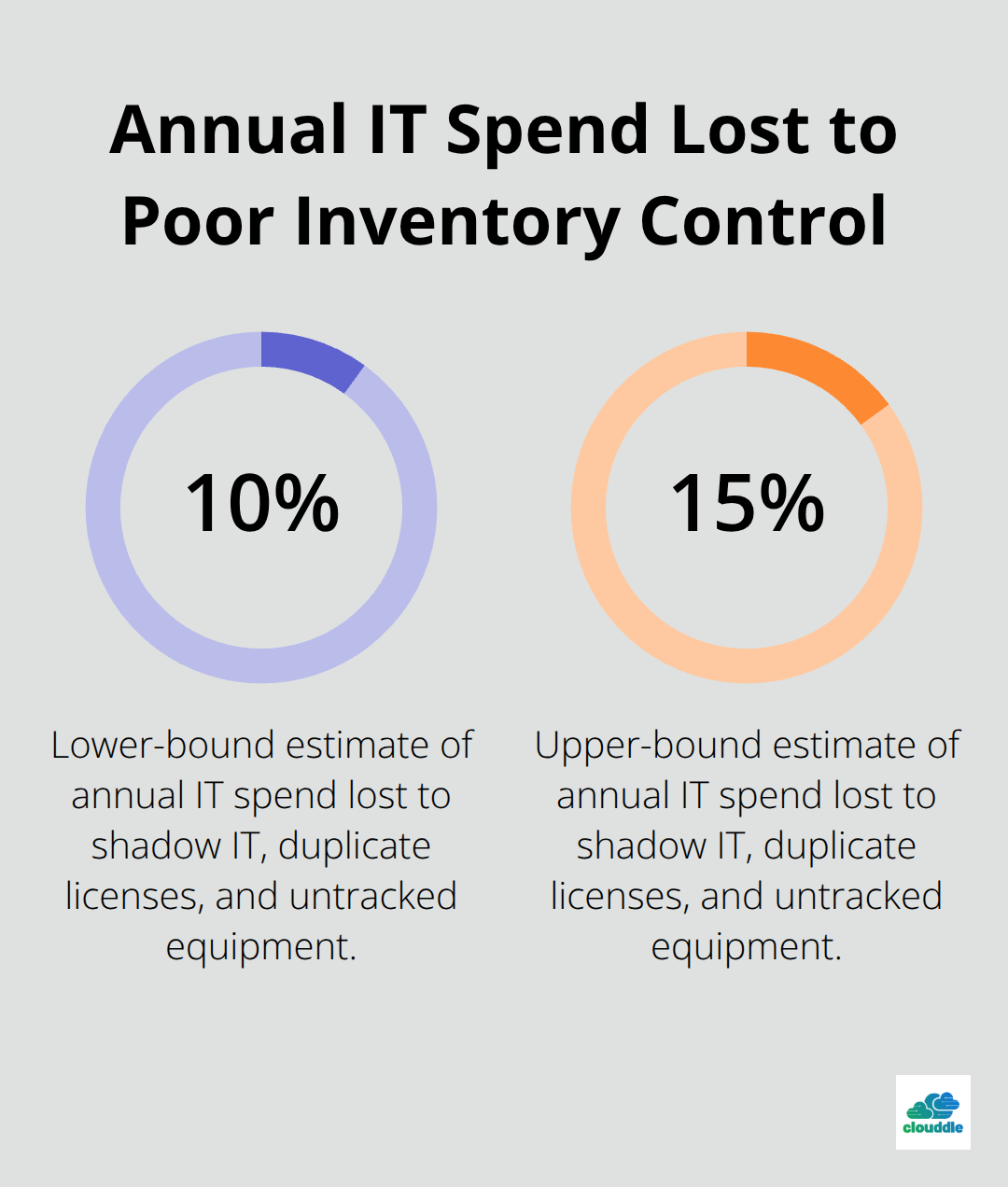
When hardware and software sit in inventory without proper documentation, you’re paying for assets that provide zero value. A single forgotten software license renewal can cost thousands in unexpected bills, while redundant hardware purchases waste capital that could fund growth initiatives.
Hardware and Software Waste Costs Real Money
Most companies discover their waste problem only after implementing inventory software. You’ll find duplicate purchases because departments buy independently, licenses expire unnoticed because nobody tracked renewal dates, and old equipment still listed as active when it was retired years ago. The financial impact compounds quickly. If your organization has 100 employees and each person uses five to ten software licenses, even a 20 percent over-licensing rate translates to significant annual waste. Proper inventory tracking typically recovers these costs within six months through license optimization alone. You’ll identify which assets actually generate business value and which ones sit dormant, allowing you to reallocate capital strategically.
Compliance and Security Require Documented Proof
Regulatory bodies and auditors want evidence that you control your IT assets. Software audits from vendors like Microsoft or Adobe can impose substantial penalties if your license count doesn’t match your installed software count. Compliance frameworks like SOC 2, ISO 27001, and HIPAA all require documented asset inventories and access controls. Without proper inventory software, you can’t prove compliance during an audit, which creates legal and financial exposure. Documented asset lifecycles, maintenance records, and retirement dates provide the audit trail regulators expect. Hardware security also depends on knowing what devices exist, who owns them, and when they received their last security patch updates. Devices without proper tracking often miss critical security updates, becoming entry points for breaches that cost your organization far more than the inventory software itself.
Better Data Leads to Smarter Purchasing Decisions
When you can see exactly how many devices you own, their age, and their utilization rates, procurement becomes data-driven instead of reactive. You’ll stop purchasing equipment based on guesses and start purchasing based on actual depreciation schedules and replacement cycles. Organizations that track asset lifecycles reduce their hardware refresh costs through strategic replacements rather than emergency equipment repairs. You’ll also identify which devices are underutilized and redirect them to departments with actual need, extending their useful life. Software spending becomes transparent too-you can see which applications your teams actually use and which licenses you can consolidate or eliminate. This visibility transforms IT from a cost center that people question into a strategic function that demonstrates clear ROI through documented savings and efficiency improvements.
The next step involves understanding what features actually matter when you evaluate solutions. Not all inventory software offers the same capabilities, and selecting the wrong tool can waste time and money rather than save it.
What Features Actually Deliver Results
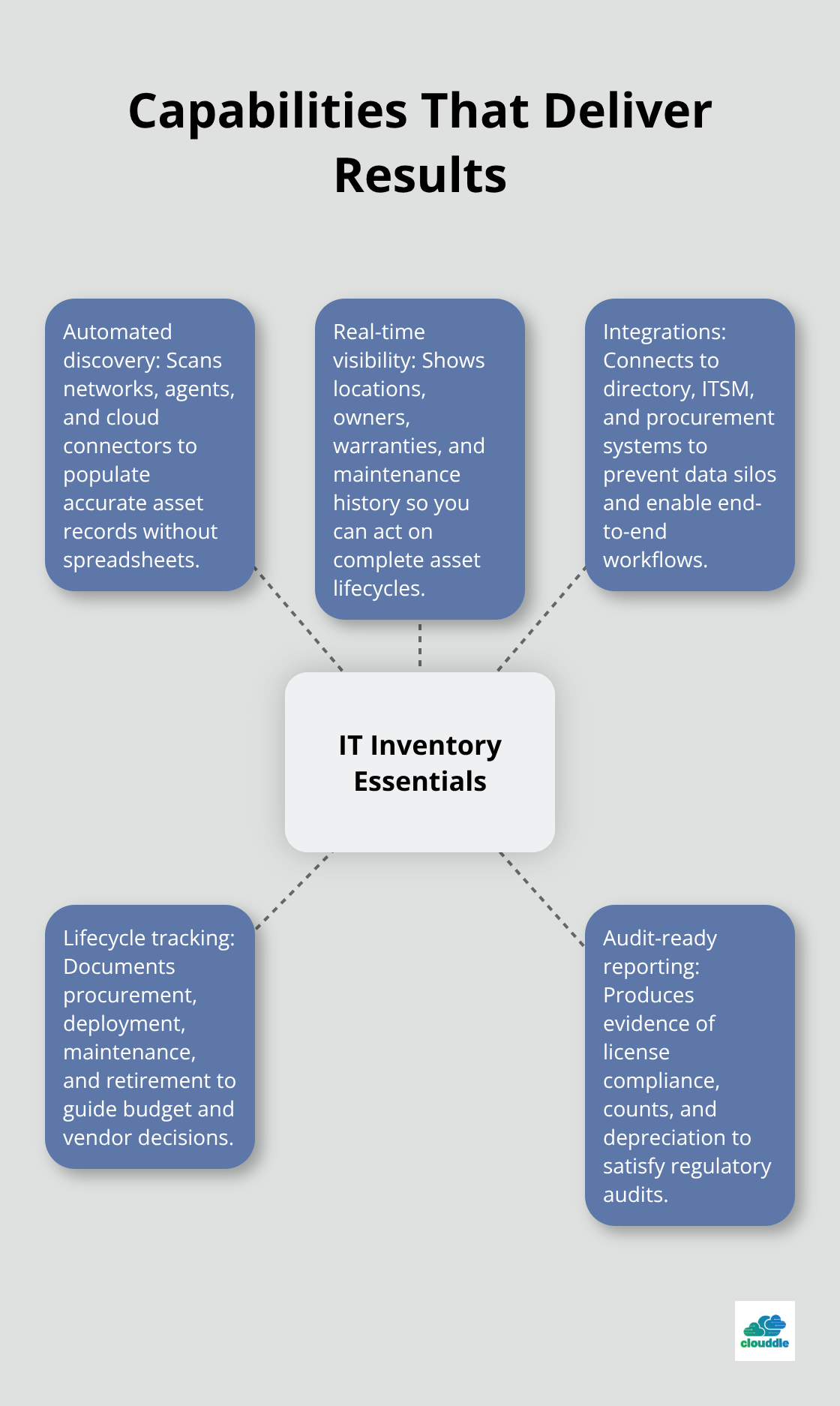
Automated discovery stands out as the single most important capability you can evaluate. Tools that scan your network, deploy lightweight agents, or pull data from cloud connectors eliminate the manual spreadsheet work that introduces errors and consumes staff time. InvGate Asset Management offers unified visibility across physical, virtual, and cloud assets, while ManageEngine AssetExplorer and SolarWinds Service Desk offer similar scanning depth. Without automated discovery, your inventory becomes stale within weeks because new hardware arrives, software gets installed, and devices get retired faster than anyone can document manually.
A solid discovery engine should identify hardware specifications, installed software, license information, and deployment locations without requiring IT staff to walk around with clipboards. The quality of your initial data load determines whether the system becomes trusted or abandoned, so this feature directly impacts whether your investment pays off.
Real visibility means seeing what actually exists
Most software claims real-time asset tracking, but few deliver the granularity you need for actual decisions. You need to see not just that a device exists, but its current location, who owns it, when you purchased it, its warranty status, and its maintenance history in a single view. InvGate Asset Management and ServiceNow IT Asset Management provide this comprehensive visibility, showing you complete asset lifecycles from procurement through retirement. When hardware ages, the system should flag devices approaching end-of-life so you can budget for replacements rather than face surprise failures. Software inventory visibility matters equally-you should see which licenses you installed, where they sit deployed, renewal dates, and which applications remain unused. This prevents the common scenario where teams discover mid-audit that they’re paying for software nobody uses or that they’ve exceeded license counts. Dashboards should highlight your most expensive assets and your most vulnerable devices (those missing security patches), letting you prioritize based on business impact rather than guesswork.
Integration determines whether the tool becomes useful or abandoned
Inventory software only creates value if data flows into your existing systems rather than creating yet another data silo. The software must connect with Active Directory to sync user and device information automatically, integrate with your IT service management platform so technicians see asset data when handling tickets, and link to procurement systems so you track spending alongside physical inventory. Asset Panda, Snipe-IT, and solutions supporting open APIs let you build custom connections to legacy systems you can’t replace immediately. Without integration, your team maintains inventory in one system, manages helpdesk tickets in another, and handles procurement in a third-meaning nobody has complete visibility and data conflicts emerge constantly. Test integration capabilities before purchasing by identifying your three most critical systems and verifying the software connects natively or through documented APIs. The implementation time and cost difference between a well-integrated solution and one requiring custom development often exceeds the software licensing cost itself.
Lifecycle tracking transforms asset management from reactive to strategic
Asset lifecycle management separates tools that merely list your equipment from solutions that actually guide your spending decisions. The system should document when you procured each asset, track its deployment history, record maintenance activities, and capture its retirement date with preserved historical records. This complete timeline reveals which asset classes age fastest, which ones require the most maintenance, and which ones deliver the longest useful life. You’ll identify patterns-perhaps certain laptop models fail consistently while others last five years-and use that data to negotiate better terms with vendors or switch to more reliable equipment. Warranty and contract data integrated into the lifecycle view prevents you from missing coverage windows or paying for expired protection plans. When you approach budget season, historical lifecycle data shows exactly how much you spent on hardware replacements over the past three years, eliminating guesswork from your capital planning.
Audit-ready reporting closes the compliance gap
Compliance audits demand documented proof of your asset inventory, and most organizations scramble to compile this evidence manually. Software that generates audit-ready reports automatically-showing asset counts, deployment dates, maintenance records, warranty coverage, and depreciation data-transforms a stressful process into a routine export. The system should produce reports that satisfy regulatory requirements without requiring IT staff to spend weeks gathering information from multiple sources. When auditors request evidence of your software license compliance, you’ll provide a single report showing installed licenses against purchased licenses rather than explaining discrepancies or facing penalties. This capability alone justifies the software investment for organizations subject to SOC 2, ISO 27001, HIPAA, or industry-specific compliance frameworks.
The next step involves understanding which solutions actually deliver these capabilities at a price point that makes sense for your organization’s size and complexity.
Common Pitfalls When Choosing IT Inventory Management Solutions
Selecting Software Without Clear ROI Expectations
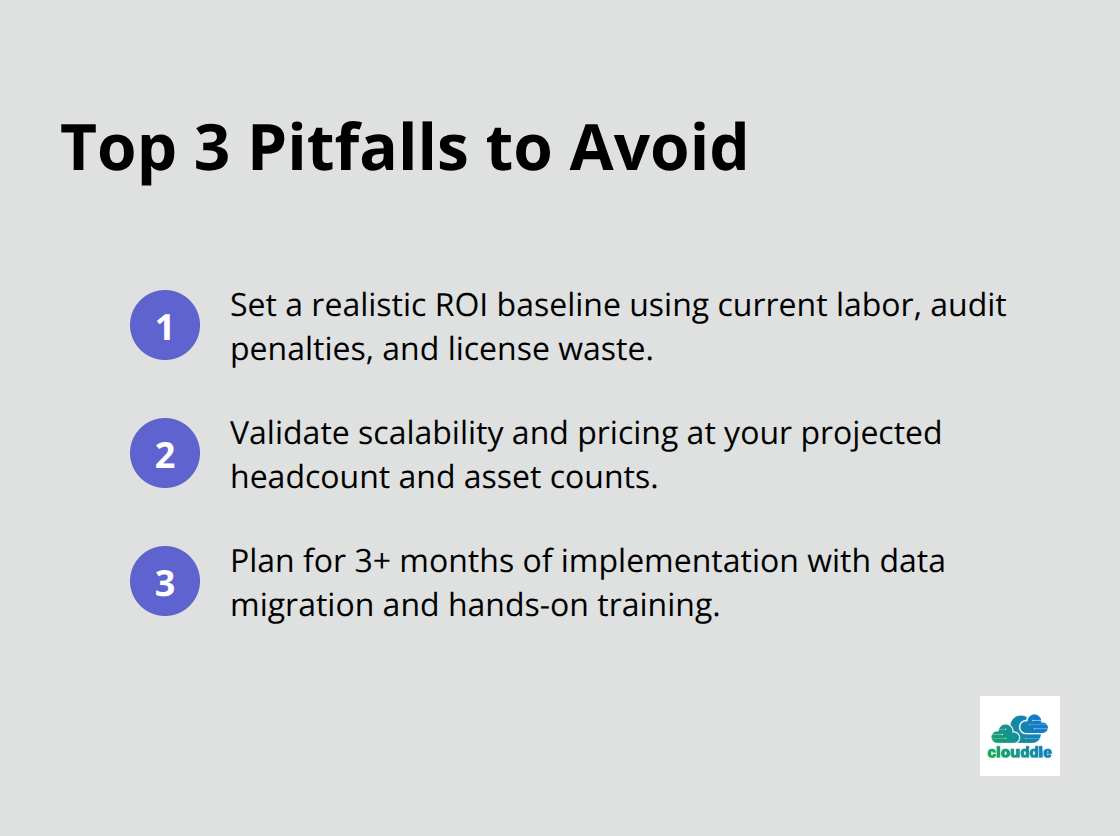
Most organizations pick inventory software based on vendor promises rather than their own financial reality. You hear that the tool will save 20 hours per week on manual counting, recover $50,000 in duplicate licenses, and improve compliance audit cycles. These numbers sound compelling until you realize they assume perfect conditions that rarely exist in actual deployments. The real ROI depends entirely on your current state.
If you’re currently managing assets in spreadsheets with no formal process, the gains from automation are substantial. If you already have a basic system in place, improvements shrink dramatically. Before evaluating any solution, calculate your baseline costs honestly. Measure how many hours your team currently spends on manual inventory tasks, document every software audit penalty you’ve paid in the past three years, and quantify the cost of a single failed compliance inspection at your organization. These concrete numbers become your ROI benchmark.
A solution that costs $15,000 annually makes financial sense if it saves you $30,000 in wasted licenses and audit penalties, but it becomes an expensive luxury if your current waste totals only $8,000 per year. Most organizations skip this step and select software based on feature lists, then discover six months into implementation that the promised savings don’t materialize because they were never realistic for their specific situation.
Ignoring Scalability and Future Growth Needs
Scalability discussions often feel abstract until your organization adds 200 employees and the system you chose three years ago starts collapsing under the load. You need to understand whether the pricing model scales predictably with your growth. Solutions using subscription-based pricing models structured on a per-user or per-employee basis create predictable costs as you expand, but some tools hit performance walls at specific thresholds where you suddenly need enterprise licensing at triple the cost.
Test the system with your projected headcount for the next three years, not your current size. A solution that costs $0.21 per node monthly seems inexpensive until you calculate the total for 500 devices, then realize it compounds quickly as you scale. You’ll also want to verify that the software handles multiple locations and distributed teams without requiring separate licenses or complex workarounds. Performance degradation often catches organizations off guard when they exceed certain asset thresholds, so request load testing data from vendors before committing to a platform.
Underestimating Implementation and Training Time
Implementation and training timelines consistently run 50 to 100 percent longer than vendors estimate because organizations underestimate data migration complexity, staff learning curves, and the time required to establish consistent processes. Plan for at least three months from purchase to full deployment across your organization, and budget for dedicated staff time during this period. The hidden cost of implementation often exceeds the software licensing cost itself, making speed of deployment a legitimate financial consideration when comparing solutions.
Data migration from spreadsheets or legacy systems introduces unexpected complications. Your current asset records likely contain inconsistent naming conventions, missing information, and duplicate entries that require cleanup before the new system can function properly. Staff members need hands-on training to adopt new workflows, and resistance to change slows adoption rates significantly. Organizations that rush implementation often end up with incomplete inventories and poor data quality, which undermines the entire value proposition of the software investment.
Final Thoughts
Selecting IT inventory management software requires balancing immediate needs against long-term organizational growth. Automated discovery eliminates manual spreadsheet work, real-time visibility shows asset locations and lifecycle status, integration with your existing systems flows data automatically rather than creating silos, and audit-ready reporting satisfies regulatory requirements without manual compilation. Start with honest financial calculations-measure your current spending on manual inventory tasks, document past compliance penalties, and quantify the cost of duplicate licenses or forgotten renewals to establish your ROI baseline.
Implementation timelines matter more than most organizations acknowledge, so budget for three months minimum from purchase to full deployment and allocate dedicated staff time for data migration and training. Most vendors offer 14 to 30-day trials that let you test whether the software integrates with your systems, whether your team adopts new workflows, and whether promised features deliver results in your specific environment. Request references from organizations similar to yours and ask directly about implementation timelines and actual ROI they achieved.
At Clouddle, we help organizations streamline their IT operations through managed services and strategic technology partnerships. Our team can guide you toward IT inventory management solutions that fit your specific requirements while your infrastructure supports growth. Contact us to explore how we can support your IT strategy.




0 Comments