
Ever feel like your internet connection is stuck in rush hour traffic, even though you’re paying for a high-speed plan? You’re not alone. The culprit is almost always network congestion.
To get a handle on this, think of your network as a highway system. All the data traveling back and forth—emails, video streams, web pages—are the cars. Your cables, routers, and switches are the roads and on-ramps.
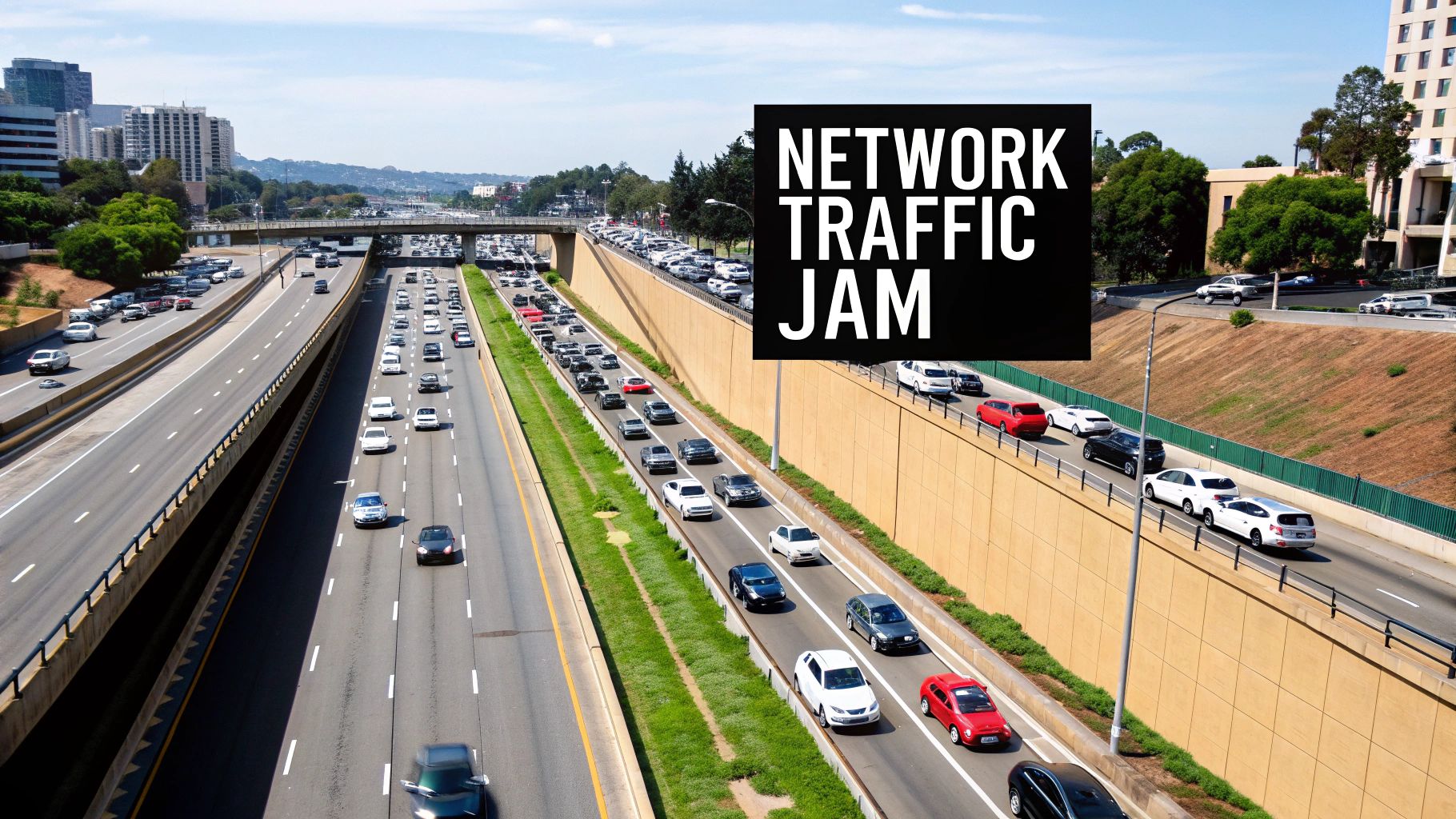
When too many cars flood the highway at once, you get gridlock. The same principle applies to your network. When the amount of data trying to get through exceeds what your infrastructure can handle, everything grinds to a halt. This digital traffic jam is a constant headache in busy places like apartment buildings, hotels, and senior living communities.
The Real Reasons Your Network Is Slowing Down
Just like a real-world traffic jam, network slowdowns rarely have a single cause. It’s usually a pile-up of different issues that create a perfect storm of buffering videos, laggy connections, and dropped calls. Pinpointing these culprits is the first real step toward finding network congestion solutions that actually work.
Here are the usual suspects:
- Not Enough Bandwidth: This is the most straightforward problem. If your network is a two-lane road, it’s going to get clogged when everyone tries to merge at once. When dozens of tenants start streaming 4K movies or gaming online, that limited bandwidth gets saturated in a hurry.
- Old, Outdated Hardware: Running your network on old routers, switches, or access points is like asking a brand-new sports car to navigate a crumbling, pothole-ridden country lane. The equipment itself simply can't keep up with modern data demands, creating a major bottleneck right at the source.
- A Poorly Designed Network: An inefficient network layout is the digital equivalent of a city with no stoplights or logical intersections. When all data is funneled through one central chokepoint without smart routing or segmentation, that point will inevitably back up and slow everyone down.
The real fix isn't just about making the highway wider by buying more bandwidth. It's about building smarter roads, adding efficient traffic signals, and creating alternate routes to keep data moving smoothly, especially during peak hours.
Why Throughput Is What Really Matters
This brings us to a key idea: network throughput. Think of it this way: bandwidth is the maximum potential speed of your highway, like the speed limit. Throughput, on the other hand, is the number of cars that actually get where they’re going in a set amount of time. You can learn more about this crucial metric in our guide explaining what is network throughput.
Congestion is the number one killer of throughput.
Unexpected traffic surges also play a huge role. A single resident kicking off a massive cloud backup, a system-wide software update pushed to every device, or everyone tuning into a major live sporting event can create the digital version of a multi-car pile-up. This sudden flood of data monopolizes network resources, leaving little for anyone else.
Fixing these problems for good requires more than just calling your internet provider and asking for a bigger plan. It demands a smarter, more holistic strategy for managing your entire network.
How to Spot Bottlenecks Before They Cause Problems
https://www.youtube.com/embed/2IXP0TkwNJU
It’s time to stop reacting to network fires and start preventing them. This shift in mindset, backed by the right tools, is what separates a frustrating user experience from a seamless one. Proactive monitoring is the key—it lets you catch the subtle whispers of trouble before they become a full-blown roar of complaints from residents, guests, or employees.
This isn't just a best practice anymore; it's a necessity. In just the first three months of 2025, global network outages skyrocketed by a staggering 53%, jumping from 1,382 in January to 2,110 in March. Why the spike? Networks are getting more complex, making early detection your most powerful tool.
Decoding Your Network's Vital Signs
To spot trouble, you first need to know what you’re looking for. Think of these core metrics as your network's vital signs. Forget the dry, technical jargon—let's break them down.
-
Latency (Ping): Ever flip a light switch and notice a slight delay before the bulb turns on? That's latency. It’s the round-trip time for a small piece of data to get from your computer to a server and back. High latency is what makes video calls feel awkwardly out of sync and online games unplayable.
-
Jitter: This is just inconsistent latency. Imagine someone talking to you, but their speech randomly speeds up and slows down—it’s impossible to follow. That’s jitter. It’s why VoIP calls get choppy and video streams stutter as data packets arrive in a jumbled mess.
-
Packet Loss: Sometimes, data packets sent across the network simply disappear, never reaching their destination. It’s like a few words getting lost from every sentence in a conversation. The result? Frozen video, garbled audio, and file downloads that fail because your device is busy trying to ask for the missing pieces again.
Essential Tools for Network Monitoring
The good news is you don't need a massive budget to get started. A mix of basic and more advanced tools can give you a surprisingly clear picture of what’s happening on your network and lay the groundwork for effective network congestion solutions.
For those running on Linux, a solid first step is learning some basic diagnostic commands. This guide to Linux network traffic monitoring can help you pinpoint problem areas directly.
This chart drives home just how critical monitoring has become. The upward trend is impossible to ignore.
This isn’t just a line on a graph; it represents real-world disruptions. It’s a clear signal that proactive network health checks are no longer optional.
By regularly monitoring these core metrics, you move from a reactive "firefighting" mode to a strategic, preventative approach. This ensures you can address potential congestion before it impacts user satisfaction and productivity.
For larger, more complex properties, dedicated network monitoring software is worth its weight in gold. These platforms give you a much deeper view with real-time dashboards, historical data analysis, and automated alerts that flag issues the moment they pop up. They can map your network, show you which devices are hogging all the bandwidth, and reveal traffic patterns you never knew existed, giving you the solid data you need to make smart decisions.
When your network grinds to a halt and complaints start rolling in, you don't have time for a six-month infrastructure project. You need to stop the bleeding, and you need to do it now. These are the immediate, hands-on tactics you can deploy to bring quick relief and get things moving again.
These short-term network congestion solutions are your first responders, designed to manage the data flow and ease bottlenecks without tearing down walls or pulling new cable.
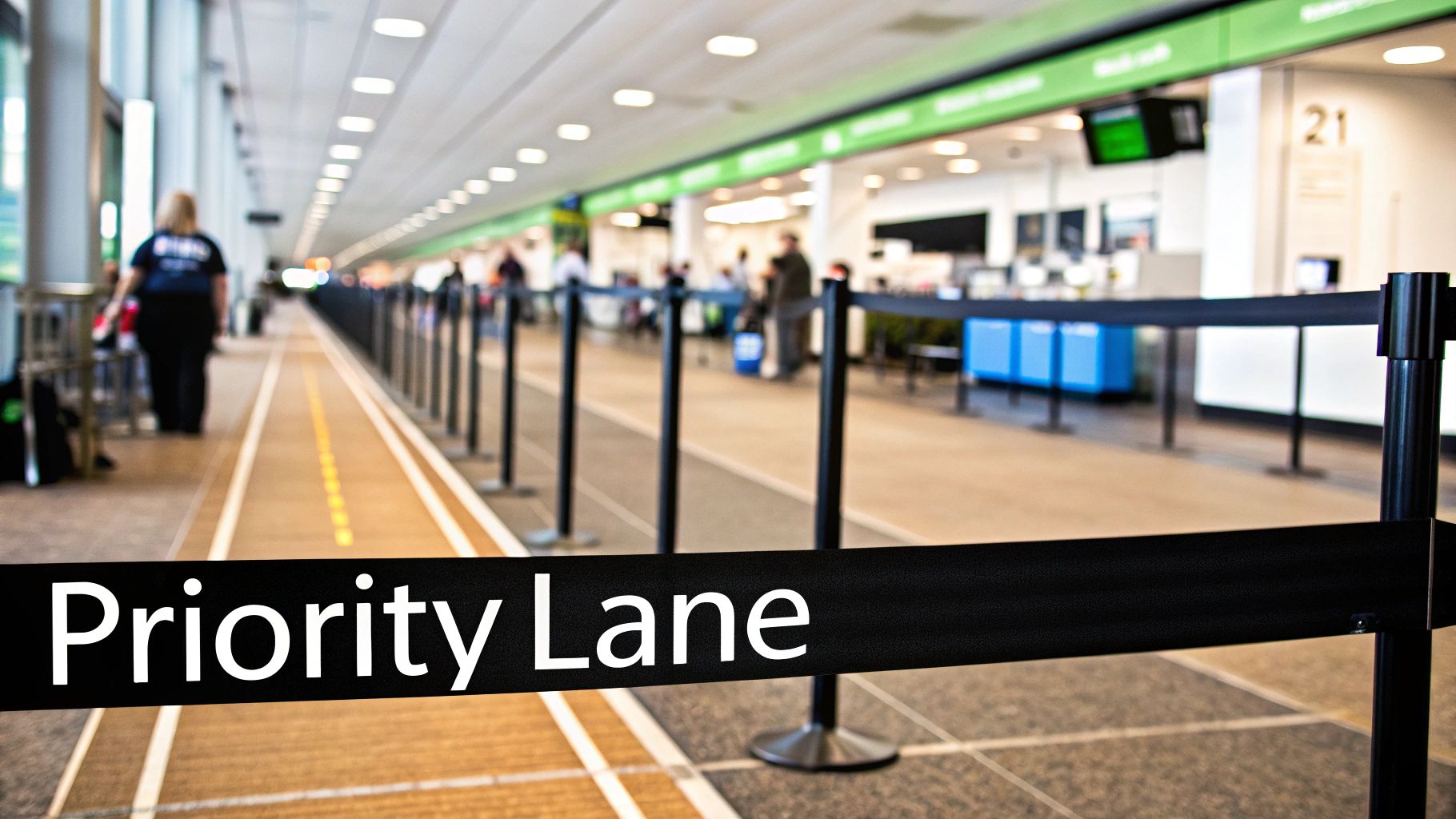
Think of it like an airport during the holiday travel nightmare. Instead of one massive, slow-moving line for everyone, they open up priority lanes for first-class and TSA PreCheck. The total number of people hasn't changed, but the system is smarter. You can do the exact same thing with your network traffic.
Creating a Priority Lane with Quality of Service
Your most powerful tool for immediate relief is Quality of Service (QoS). At its heart, QoS is just a set of rules you give your network hardware to tell it what data is most important. It’s how you create a digital VIP lane for the applications that absolutely cannot handle delays, like video calls, VoIP phones, or streaming services.
By setting up QoS policies, you're essentially telling your routers and switches to let time-sensitive data cut to the front of the line. This ensures a resident's critical work-from-home video meeting stays smooth and clear, even if their neighbor just started downloading a massive 100 GB game update. The less urgent traffic is simply asked to wait a moment, preventing it from hogging all the bandwidth.
This is all about working smarter with what you have. The idea isn't new; it's the same principle used to manage real-world traffic jams. For instance, the 2025 INRIX Global Traffic Scorecard found that while 88% of U.S. cities saw traffic delays worsen, New York City held congestion steady. Their secret? Pricing systems that manage traffic flow—a direct parallel to how QoS prioritizes data.
QoS doesn't magically create more bandwidth. It intelligently manages the bandwidth you already have, ensuring the most important applications get the resources they need to perform flawlessly.
Optimizing Your Wireless Environment
Often, the most painful congestion happens over Wi-Fi. You can have a blazing-fast internet pipe coming into the building, but if the wireless network is a mess, users will still experience frustrating slowdowns. Luckily, a few tactical tweaks can make a world of difference.
These quick Wi-Fi fixes are low-cost, high-impact ways to clear up the airwaves:
- Strategic Channel Management: Your Wi-Fi network uses specific channels, just like a radio station. If too many nearby networks are all on the same channel, they talk over each other, causing interference and poor performance. Using a simple Wi-Fi analyzer tool, you can see which channels are least crowded and switch your access points to those clearer frequencies.
- Intelligent Access Point (AP) Placement: Wi-Fi "dead zones" are the bane of any user's existence. They’re caused by physical barriers like concrete walls or just being too far from an AP. A quick site survey helps you map out signal strength, allowing you to reposition existing APs or add new ones to fill in the gaps and deliver solid coverage everywhere.
- Band Steering: Modern APs can broadcast on two different frequencies: 2.4 GHz and 5 GHz. The 5 GHz band is faster, has more channels, and is generally less crowded. Band steering is a clever feature that automatically pushes compatible devices (like newer phones and laptops) over to the superior 5 GHz band, leaving the older 2.4 GHz band for devices that can't use the faster one.
Putting these immediate fixes in place can provide real, noticeable relief for your users, buying you valuable time to plan for more permanent, long-term architectural upgrades.
Short-Term vs. Long-Term Network Congestion Solutions
It's helpful to see how these immediate fixes stack up against the more foundational, long-term strategies. Each approach has its place, and understanding the trade-offs is key to building a resilient network.
| Strategy | Type | Primary Goal | Typical Implementation Time | Best For |
|---|---|---|---|---|
| Quality of Service (QoS) | Short-Term | Prioritize critical traffic on existing network | Hours to days | Immediately improving performance for VoIP, video, and business apps. |
| Wi-Fi Optimization | Short-Term | Reduce wireless interference and dead zones | Days to weeks | Quickly solving common Wi-Fi complaints and improving user experience. |
| Capacity Upgrades | Long-Term | Increase overall bandwidth and throughput | Weeks to months | Addressing fundamental bandwidth shortages and future-proofing. |
| Network Segmentation | Long-Term | Isolate traffic and improve security | Weeks to months | Reducing broadcast storms and securing sensitive devices. |
| SD-WAN Implementation | Long-Term | Intelligently route traffic across multiple links | Months | Optimizing performance and reliability for multi-site properties. |
While short-term tactics are excellent for immediate relief, they are fundamentally about managing scarcity. Long-term solutions, on the other hand, are about eliminating that scarcity by building a more robust and scalable network from the ground up. A truly effective strategy often involves both.
Building a Future-Proof Network Infrastructure
While quick fixes can certainly provide some breathing room, they're really just sophisticated bandages. To truly put an end to chronic network congestion, you have to look deeper and address the foundational architecture of your network. This is about shifting your mindset from managing today's limitations to strategically building a network that’s ready for the intense demands of tomorrow.
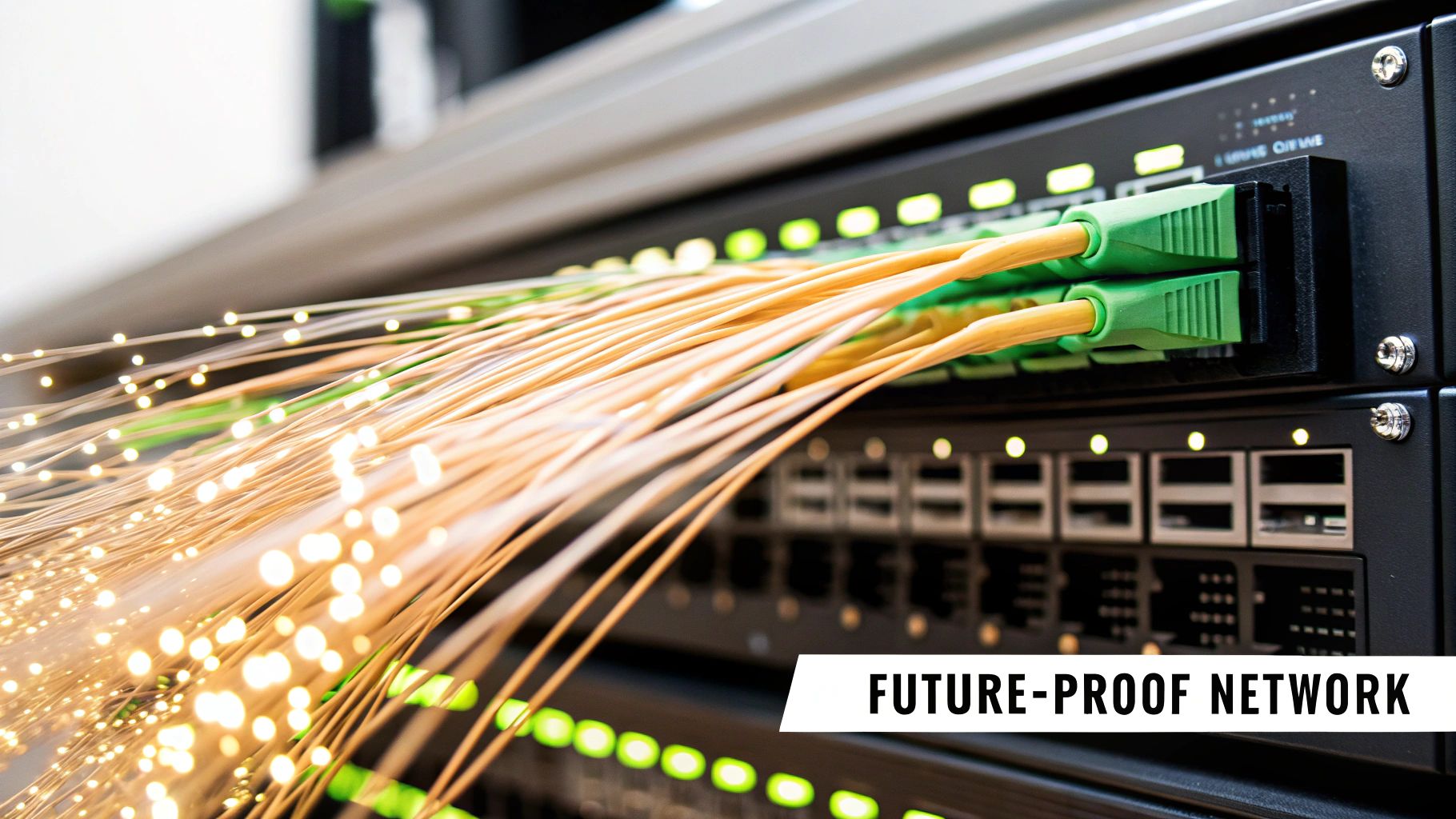
Think of it this way: you’re not just patching potholes; you’re replacing narrow country lanes with multi-lane superhighways. Taking this long-term approach ensures your infrastructure has the raw capacity to handle the inevitable growth in data traffic, paying you back with happier users and rock-solid operational stability.
Upgrading the Physical Backbone
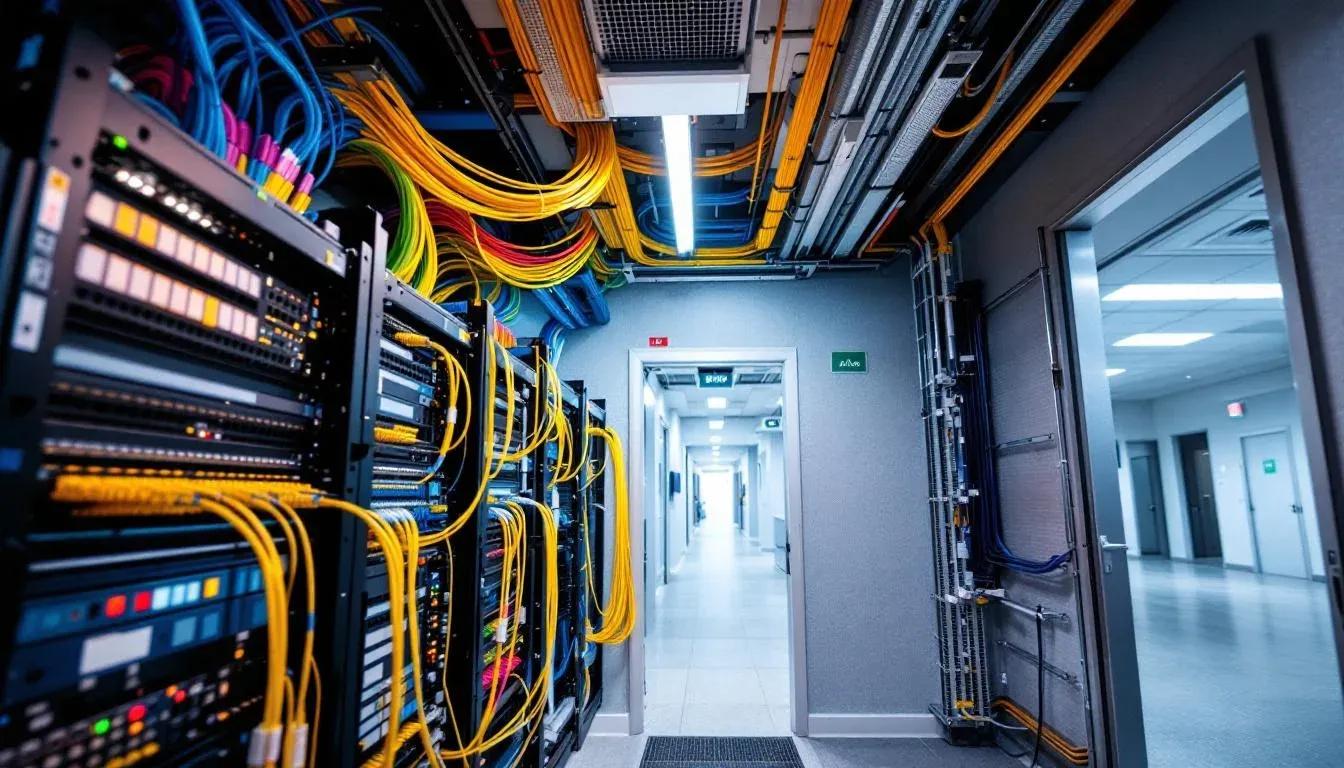
The cables running through your walls are the literal foundation of your digital experience. If you’re still working with older copper cabling like Cat5e, you have a built-in speed limit that no amount of software wizardry can get around.
Modernizing this physical layer is the single most impactful long-term solution you can implement.
- Transition to Fiber-Optic Cabling: Fiber optics use pulses of light to transmit data, offering speeds and bandwidth that copper just can't touch. This upgrade is like going from a two-lane road to a twenty-lane expressway, giving you more than enough room for everyone to stream 4K video, game, and use cloud apps at the same time without a single hiccup.
- Embrace the Latest Wi-Fi Standards: It’s also critical to adopt modern standards like Wi-Fi 6 (802.11ax) or Wi-Fi 6E. These technologies were specifically engineered for high-density environments, dramatically improving efficiency and cutting down on interference when tons of devices connect at once. This step makes sure your wireless performance can keep up with your powerful new wired backbone.
Upgrading your physical infrastructure isn't just a repair; it's a strategic investment in the future performance and value of your property. It lays the groundwork for every other technological advancement to come.
Implementing Intelligent Network Segmentation
A flat, open network is a recipe for chaos. When every single device—from a resident’s laptop and a staff member’s tablet to a smart thermostat and a security camera—is shouting for attention on the same digital highway, congestion is practically guaranteed.
This is where network segmentation comes in. The idea is to create separate, isolated virtual networks (VLANs) for different groups of users and types of devices.
It’s like creating dedicated HOV lanes and truck routes on a highway. You can build one network exclusively for residents, another for staff and administrative tasks, and a third just for all your IoT devices. This intelligent division delivers some powerful benefits:
- Reduced Congestion: Traffic from one segment doesn't spill over and slow down another. A broadcast storm from your IoT sensors won't interrupt a resident's important video call.
- Enhanced Security: If a device on one segment is compromised, the breach is contained. It can't easily spread to more critical systems, like your property management software.
- Simplified Management: It becomes much easier to apply specific rules, like QoS policies, to an entire segment at once, guaranteeing that your operational traffic always gets the priority it needs.
A well-planned, structured network is a cornerstone of success. To go deeper, check out our guide on effective network capacity planning to learn how to align your infrastructure with your property's specific needs.
Leveraging SD-WAN for Ultimate Reliability
For properties with multiple internet connections or organizations managing several sites, Software-Defined Wide-Area Networking (SD-WAN) is a game-changer. It adds a smart layer on top of your internet connections that actively manages and optimizes traffic flow.
Instead of being stuck with a single, static internet link, SD-WAN can dynamically route traffic across the best available path—whether that’s fiber, cable, or even a cellular backup—based on what’s happening in real time.
If your main fiber connection suddenly slows down or goes out completely, SD-WAN automatically and seamlessly fails over to a secondary link. No one has to flip a switch. This ensures your service is never interrupted, keeps critical applications running smoothly, and provides a level of resilience that a single-provider setup can't hope to match. It's the ultimate safety net for guaranteeing uptime.
Choosing the Right Network Solution for Your Property
Picking the right way to fix network congestion isn't a one-size-fits-all deal. What works for a bustling hotel with guests checking in and out daily is going to be worlds apart from the needs of a long-term apartment community or a high-demand office building. Getting this right means having a clear framework that balances what your users actually need, the physical realities of your property, and your budget.
This isn't just about throwing the fastest, shiniest technology at the problem. It's about making a smart investment that aligns with your core business goals. A thoughtful decision process ensures you're not just putting out today's fires, but building a network that becomes a valuable asset for years to come.
Evaluating Your Property's Unique Needs
Before you can even think about solutions, you have to get a deep understanding of your own environment. A great way to start is by creating a "network persona" for your property. It’s simpler than it sounds—it just means asking a few targeted questions.
Answering these will paint a clear picture of your network's daily life:
- Who are the primary users? Are they short-term hotel guests who live and die by Netflix, or long-term residents who need a rock-solid connection for their work-from-home setup? Maybe they're business tenants running data-heavy operations.
- What is the user density? On average, how many devices are connected in a single apartment, guest room, or office during peak hours? A senior living facility has a very different device footprint than student housing.
- What are the peak usage times? Does your network grind to a halt in the evenings when everyone is streaming, or does it happen during the 9-to-5 workday when your commercial tenants are online?
- What is your existing infrastructure? Are you stuck with old copper cabling that's holding you back, or do you have a fiber backbone that gives you more room to grow?
This initial reality check gives you the context you need to figure out which solutions will actually make a difference.
The goal is to move beyond generic fixes and select a strategy tailored to your property's specific traffic patterns and user expectations. A solution that works brilliantly in one environment might be a costly misstep in another.
Looking Beyond Upfront Costs
One of the most common traps is focusing only on the sticker price of new hardware or a service plan. The real financial picture only comes into focus when you consider the Total Cost of Ownership (TCO) and the potential Return on Investment (ROI).
TCO isn't just the purchase price. It’s the sum of all the costs over the equipment's entire life:
- Installation and configuration labor
- Ongoing management and maintenance
- Staff training and support
- Future upgrade and replacement costs
On the flip side, your ROI isn't just about fewer slowdowns. A high-performing, reliable network directly impacts your bottom line. It improves resident and guest satisfaction, which leads to better retention rates and glowing online reviews. For commercial properties, it’s a non-negotiable amenity that attracts and keeps high-value tenants.
The pressure to build these kinds of networks is only getting more intense. For context, total monthly global mobile data traffic hit an astounding 188 exabytes in Q3 2025, a 20% jump in just one year, with video streaming making up 76% of that demand. This explosion in data usage is forcing providers everywhere to find smarter ways to manage congestion. You can discover more insights about this mobile traffic surge from Ericsson.
A Simple Decision-Making Framework
To cut through the complexity, start by thinking about your property type and your main objective. This will point you toward the most logical starting place.
For instance, a luxury apartment complex might prioritize a full fiber-optic upgrade (long-term infrastructure) to market itself as a premium, tech-forward property. In contrast, a budget hotel getting complaints about choppy video might first implement QoS policies (short-term management) to give guest streaming priority. This brings immediate relief without a huge capital investment. A multi-tenant office building could focus on network segmentation (architectural improvement) to guarantee secure, dedicated performance for each business.
By carefully analyzing your property's needs, calculating the true costs, and aligning your choice with your business goals, you can confidently select the network congestion solutions that will deliver lasting value and a superior user experience.
Streamlining Your Network with Managed Services
Let’s be honest: designing and managing a high-performance network is a full-time job. It takes specialized skills, constant vigilance, and a hefty budget to get it right—resources that could be better spent focusing on your actual business of serving guests, residents, or tenants. This is exactly where a managed service model, often called Network-as-a-Service (NaaS), comes into play as a powerful alternative.
Think of NaaS as an all-inclusive subscription for your network. Instead of a massive upfront capital expense (CapEx) for hardware and software, you get everything—enterprise-grade equipment, expert management, and ongoing support—for a predictable operational expense (OpEx). It effectively takes the entire burden of network design, deployment, and maintenance off your plate.
The Power of Outsourcing Complexity
The real magic of a managed service is gaining a dedicated team of network engineers who live and breathe this stuff. They handle the 24/7 proactive monitoring, routine maintenance, security patches, and troubleshooting. This frees up your on-site staff from playing IT support and allows them to concentrate on tasks that directly impact your bottom line.
When a problem pops up, you’re not left scrambling to figure out what went wrong. A team of pros is already on the case, often identifying and fixing potential slowdowns before your users even notice. You can get a deeper look into what managed network services include to understand the full scope of what's covered.
By handing off the entire network lifecycle, you turn a complex technical headache into a simple, reliable utility. It becomes just like your electricity or water—you just expect it to work flawlessly, and it does.
Here’s a real-world example. A property manager at a large apartment building was drowning in complaints about spotty, slow Wi-Fi. After bringing in a NaaS provider, the chronic congestion problems vanished. Not only did resident satisfaction shoot up (and positive reviews followed), but the manager also got countless hours back each week.
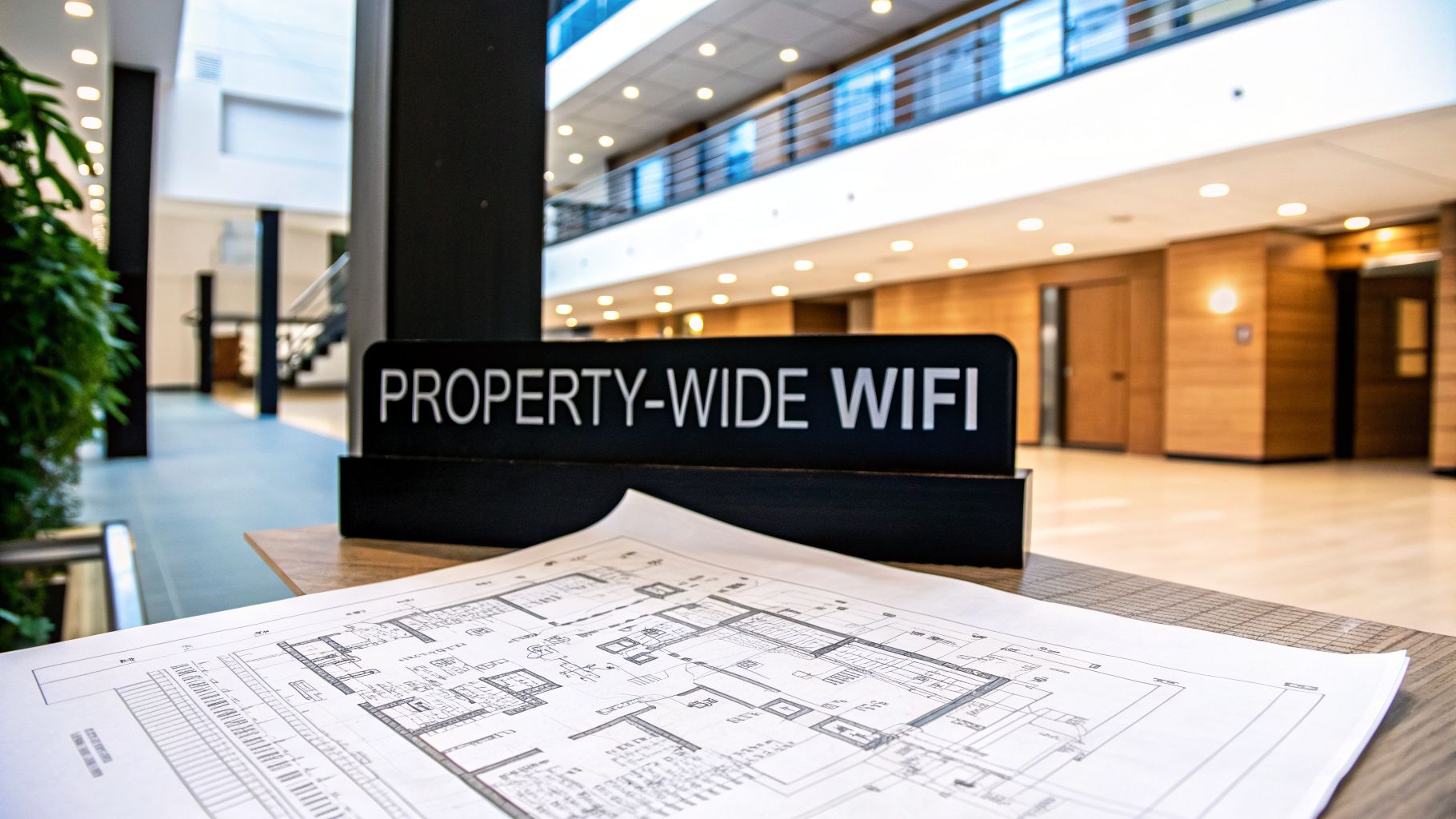
Different properties have different network demands, and the right solution depends entirely on the environment.
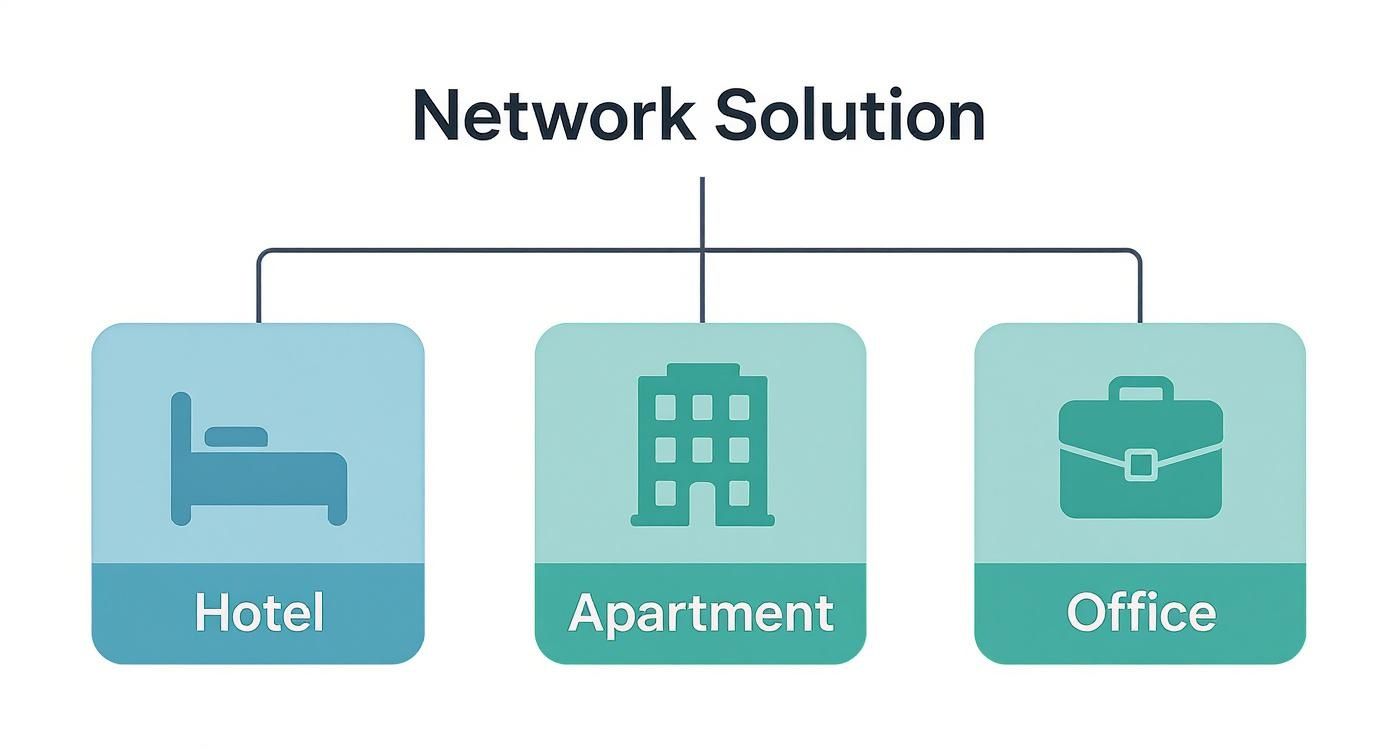
As you can see, while everyone wants a fast, reliable connection, the specific strategies for a hotel, an apartment complex, or a commercial office have to be tailored to their unique user behaviors and density.
Scaling and Adapting for the Future
Perhaps the biggest win with NaaS is the built-in agility. Your network needs are going to change. You might add more IoT devices, see a surge in remote workers, or need to support a new technology that hasn't even been invented yet. With a managed service, your network can scale and adapt right alongside you.
The provider handles all the necessary hardware upgrades and configuration changes behind the scenes. This hands-off approach ensures your network doesn’t just solve today’s congestion issues—it becomes a flexible, future-proof asset that supports your growth for years to come.
Your Network Congestion Questions, Answered
When you're dealing with a sluggish network, you need practical answers, not technical jargon. Let's tackle some of the most common questions property managers and IT teams ask when they're trying to find a real solution to network congestion.
Will Simply Buying More Bandwidth Fix My Congestion Issues?
That's the million-dollar question, isn't it? The short answer is: probably not.
While it seems like an easy fix, throwing more bandwidth at a poorly designed network is like widening a highway that leads directly into a city full of one-lane roads. The traffic will just get to the bottleneck faster, creating an even bigger jam.
The real problem often lies deeper within your infrastructure. Things like old routers, poor Wi-Fi signal strength in certain areas, or a complete lack of traffic management are the usual suspects. Before you upgrade your internet plan, you need to find out what's really slowing things down.
Think of it this way: The goal isn't just to add more lanes to the highway. It's to install smart traffic lights, open up new routes, and ensure the most important vehicles get where they need to go first. A holistic look at your network's design is far more effective than just paying for more speed.
What's the Very First Thing I Should Do to Diagnose a Slow Network?
Before you call in the experts or buy expensive tools, you can do some detective work yourself. The goal is to figure out if the problem is coming from your internet provider or if it’s an issue inside your building.
Here’s a simple three-step process to get you started:
- Run a Few Speed Tests: Don't just run one. Test the connection at different times of the day—morning, afternoon, and especially during peak evening hours. This helps you spot patterns. Is it always slow, or only when everyone is streaming video after dinner?
- Check Your Router Logs: Most routers keep a basic log. A quick look can reveal tell-tale signs like frequent connection drops or error messages that point toward a failing piece of hardware or an unstable connection from your provider.
- Talk to Your Users: This is surprisingly effective. Ask residents or tenants where and when the Wi-Fi is at its worst. Their feedback can help you create a "heat map" of problem areas across your property.
How Does Quality of Service (QoS) Actually Work in Plain English?
Imagine your network is a busy nightclub. Quality of Service (QoS) is your VIP bouncer.
The bouncer doesn't make the club bigger, but they make sure the most important guests get in without waiting in the long line. QoS does the same thing for your data. It looks at all the traffic trying to get through your network and prioritizes what's most important.
For example, a live video conference is a VIP guest—it's very sensitive to delays. A large file download, on the other hand, can wait a bit. QoS puts the video call in the express lane and tells the file download to hang back until the line clears. This way, the critical applications that need a smooth, stable connection always get one.
Ready to put an end to network congestion for good? Clouddle Inc delivers managed Network-as-a-Service that handles all the complexity for you. Get a customized plan for your property today.


0 Comments